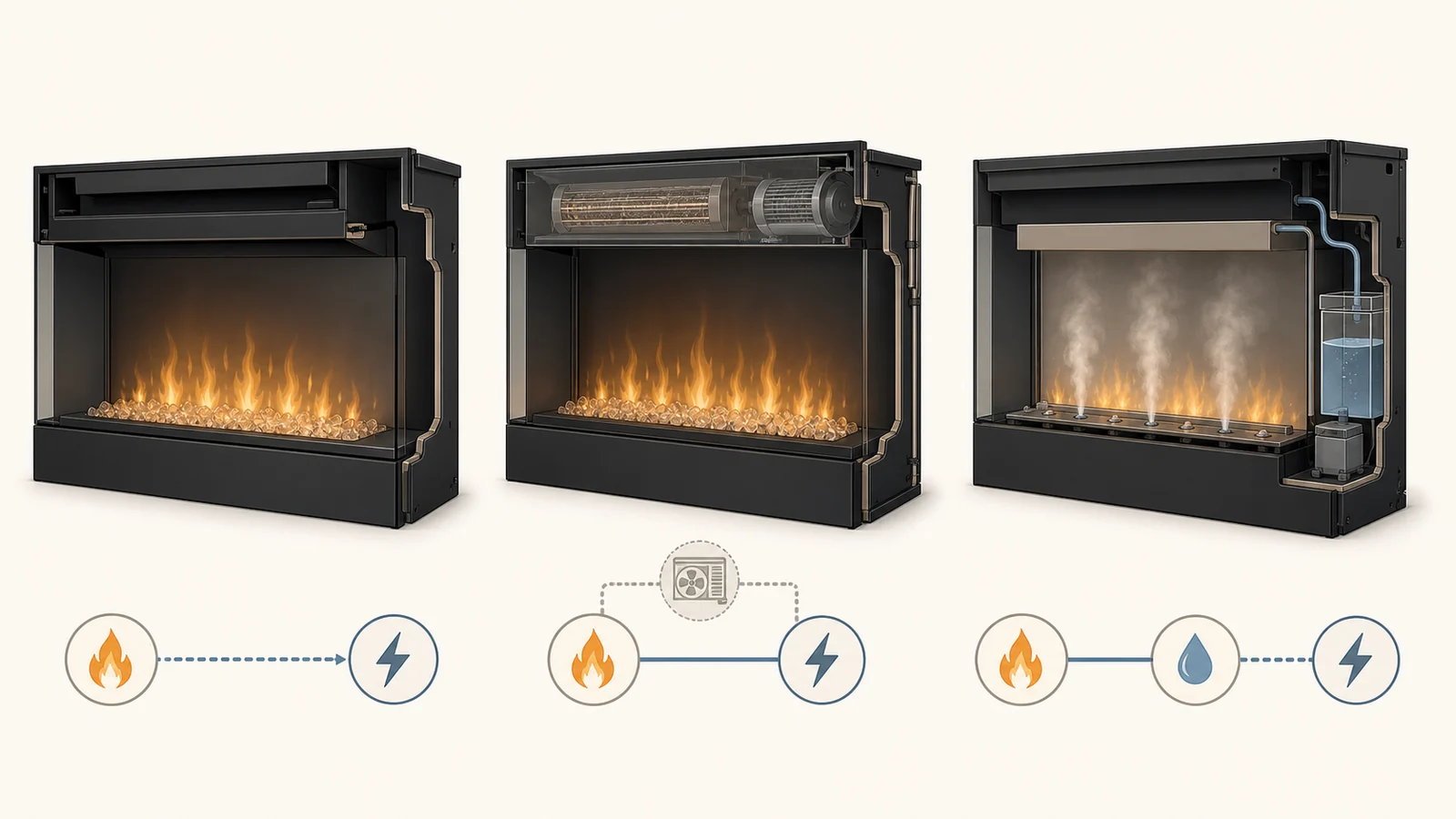
A holographic electric fireplace is not one standardized type of appliance. The phrase may describe projected fire video on physical logs, mapped light and flame imagery in a deep built-in firebox, or a manufacturer’s broader “virtual” LCD platform. Those systems can all produce a dimensional-looking fire, but they do not ask the room—or the owner—for the same things.
That makes a flame demo a poor first filter. Before calling a model “realistic,” identify the display medium, view it from the seats that matter, and match the exact firebox to the wall or opening. Then verify heat, power, controls, software dependence and the route for service after the surround is finished.
The right result is not a category winner. It is one exact model whose visual system and room contract are both documented. If the model number, current manual, critical viewing position or installation path is still missing, keep the candidate out of the shortlist.
Three current products create three different contracts
The examples below are not a ranking. They show why the search label cannot replace the model record.
| Current example | Documented visual system | Physical relationship | What the room must resolve | What remains unproven |
|---|---|---|---|---|
| Escea LE800 North America |
Holographic technology with precision flame mapping projects flames, sparks and flickers onto logs and embers | Indoor inbuilt firebox for a false cavity or chase | Exact cavity, viewing height, power option and finish relationship | How the effect looks from your own side seats and daylight conditions |
| Modern Flames Orion V2 Multi | Manufacturer-described virtual fireplace using an LCD, layered lighting, illuminated split-wood log set and audio | Wide platform with single-, corner-, three-sided, partial-recess and wall-mount possibilities documented by configuration | Exact model size, chosen installation method, circuit, glass/media access and control path | Whether its LCD presentation is preferable to projection in your room |
| MagikFlame HoloFlame insert | Real-fire video projected onto a physical log set through an LCD projection device | Traditional 28-inch insert format on the current product site | Exact opening/body fit, electrical/heat fields, control support and service documents | The manufacturer’s “most realistic,” reliability and lifetime-update claims as independent findings |
Escea’s current North American LE800 sheet calls the model an inbuilt holographic electric fireplace and describes the mapped projection. It also makes a room-specific point that a beauty video does not: for this exact model, the manufacturer recommends installing the base 12 inches off the floor for optimal viewing. That number belongs to the LE800 sheet, not to holographic fireplaces in general.
Modern Flames uses a different vocabulary. Its current Orion V2 Multi page calls the product a virtual electric fireplace and describes LCD technology, layered lighting, a lit log set, audio, a remote and an app library. The linked US owner’s manual then separates the built-in, two-sided, three-sided, partial-recess and wall-mount work. The display platform and the installation configuration are two decisions, not one feature.
MagikFlame’s HoloFlame explainer says its system projects recorded fire video onto a physical log set using an LCD projection device. Its current site identifies the MagikFlame product as a 28-inch insert, alongside separately named DragonBlaze products. The system description is useful; the page’s superiority, safety, maintenance, reliability and lifetime-update language remains manufacturer marketing unless the exact product documents and independent evidence support it.
Water vapor is another visual architecture, not an automatic synonym for holographic. If an attractive “3D flame” candidate uses illuminated mist, move it to the water vapor electric fireplace guide and evaluate its water, heat and service requirements there.
Your sofa is part of the display system
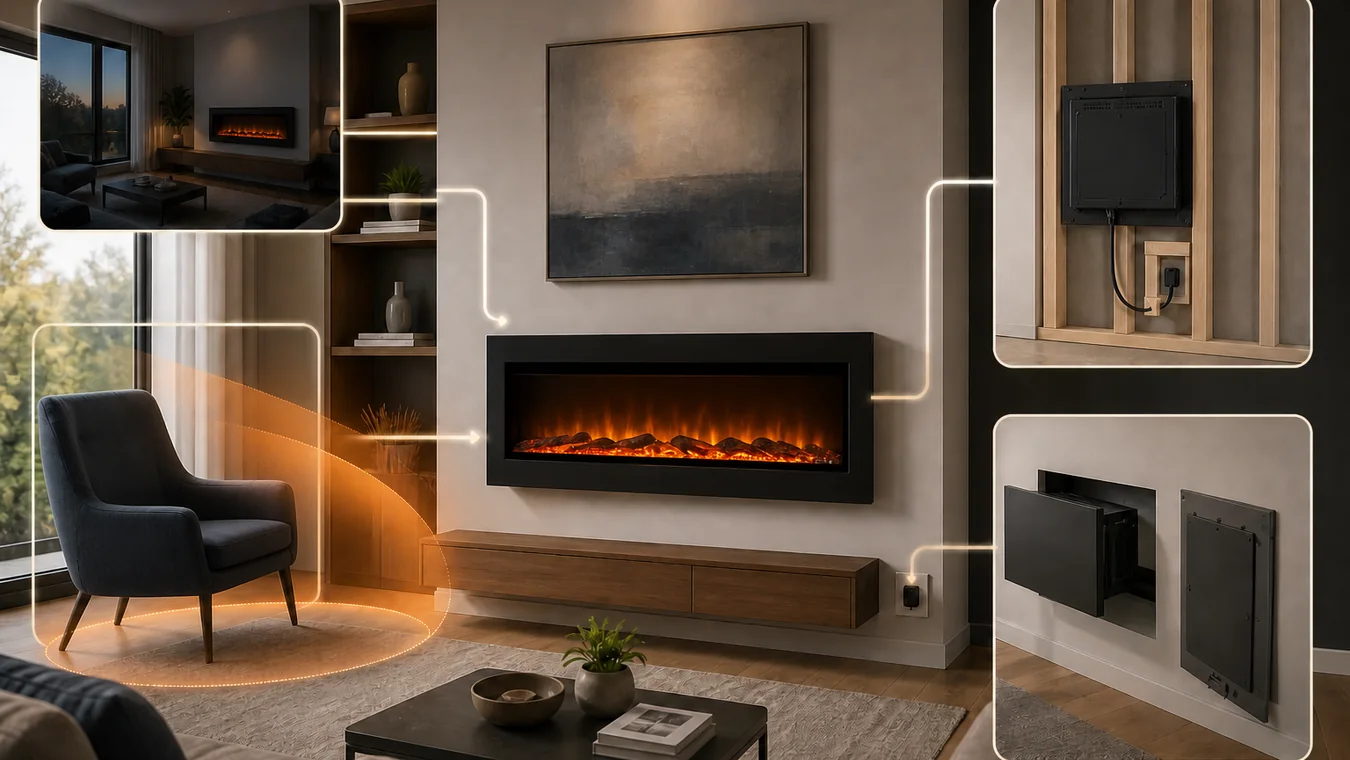
A projected or screen-based fire is seen through glass, media, room light and a particular angle. A straight-on manufacturer clip cannot answer what the effect will look like from a chair near the end of a long firebox, from a standing walkway or in the afternoon when windows brighten the room.
Name the critical positions before shopping further. Usually that means the primary seated view, the widest side seat anyone will regularly use, a standing approach from the main doorway and the brightest normal daytime condition. Record the approximate eye height and whether each view is centered or oblique. A large open-plan room may have more than one “front.”
Then seek evidence for the exact model and configuration from those conditions. A useful showroom visit lets you move to the real side angle and change the room lighting. If that is not possible, ask a dealer or owner for an unedited phone video that begins on the model label, walks from the center to the required side position and includes a brighter-room view. Camera exposure still limits what the clip proves, but stated conditions are more useful than a cinematic loop.
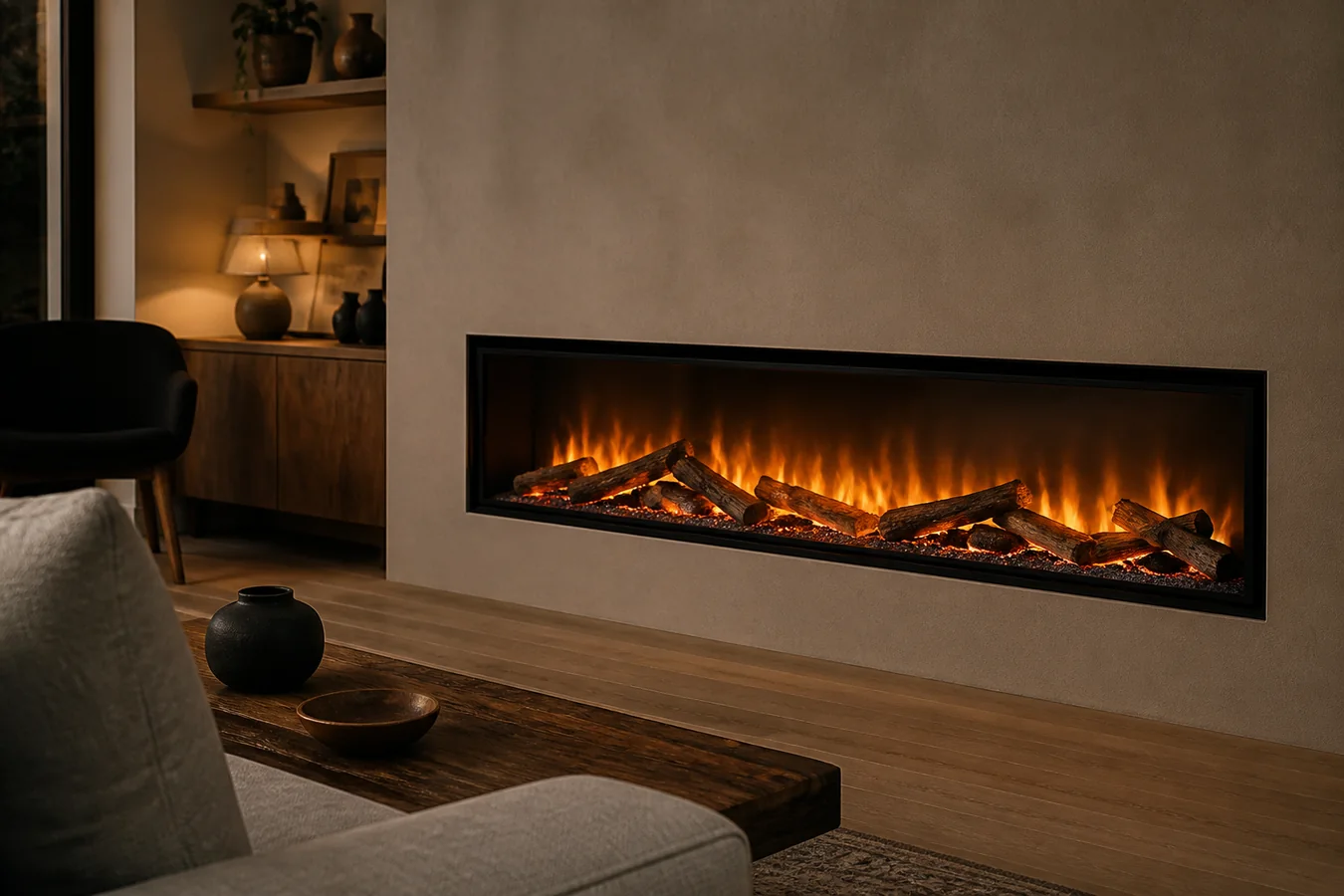
Do not infer the display technology from the image alone. Logs in front of a flame may sit in a projection system, in front of an LCD, around illuminated mist or inside a more conventional reflected-light product. The current product page and manual must name what the photograph cannot.
This viewing check is also where “best holographic electric fireplace” becomes a room question. A visually stronger straight-on demonstration can be the weaker purchase if the real sofa sits outside the effect’s useful view. Without exact-model evidence from the critical positions, mark viewing geometry hold; do not award points for the marketing label.
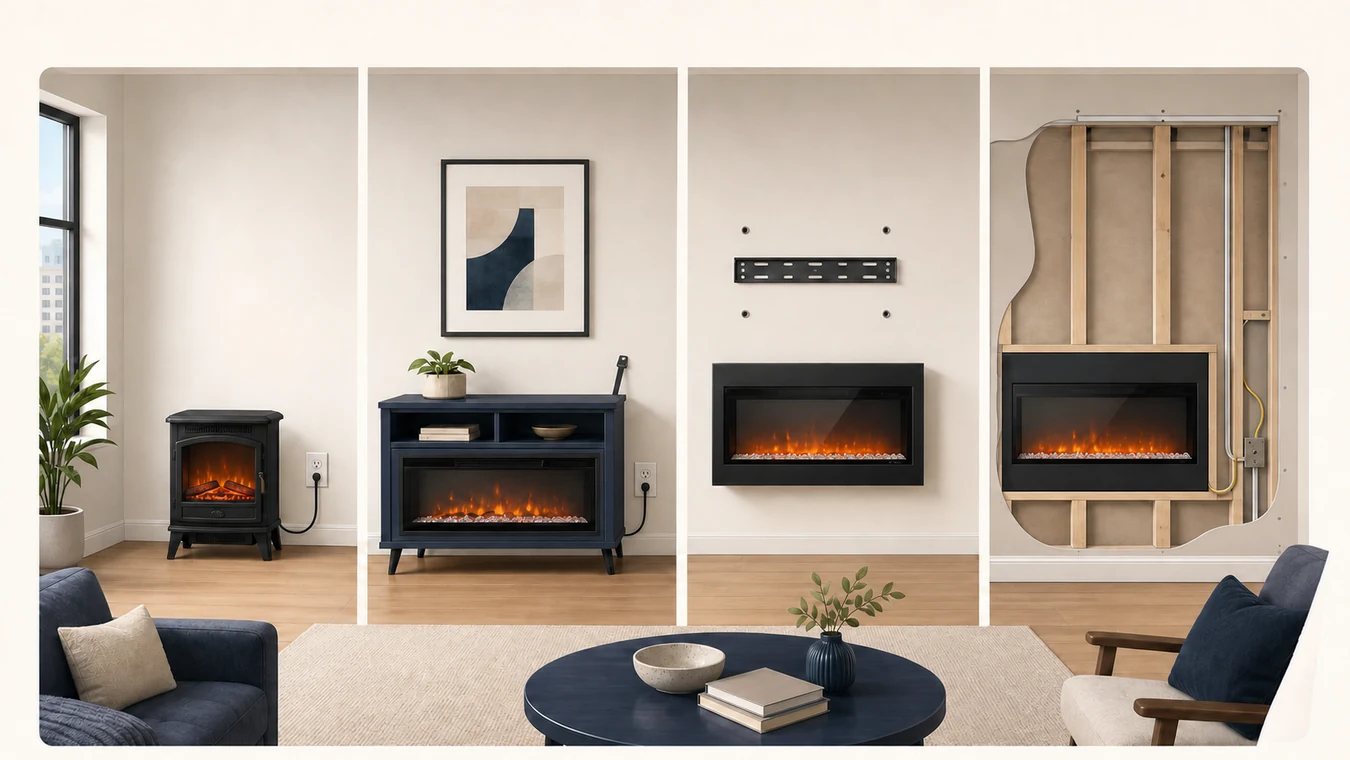
The display does not decide what goes in the wall
The three examples occupy very different physical envelopes. The LE800 North America sheet lists a 34-inch-wide appliance that is 17 1/4 inches deep and a 17 3/4-inch minimum cavity depth, and says the unit goes into a false cavity or chase before wallboards or finishes. Those facts describe one deep, traditional-looking built-in relationship.
The Orion V2 Multi manual lists a 9 9/16-inch appliance depth for its named models, a 9-inch minimum full-recess framing depth, and separate instructions for partial recess and wall mounting. Its current product page also offers several widths and viewing configurations. A person considering a three-sided bay version is not planning the same wall as someone surface-mounting the same visual platform.
The current MagikFlame navigation places its named HoloFlame product in a traditional 28-inch insert format. “Insert,” however, still does not prove it fits an existing masonry opening, a cabinet or a new framed cavity. That relationship must appear in the exact product and installation owner, with body, opening, face and service-removal dimensions kept separate.
Start by classifying the candidate with the types of electric fireplaces guide: appliance family, approved installation relationship and visual presentation. Then use the electric fireplace specifications guide to keep nominal width, body, prepared opening and finished face from collapsing into one “size.”
Do not send a product-page dimension directly to a builder. Once an exact candidate and installation path survive, the electric fireplace framing guide turns the current manual into a wall handoff covering opening, support, power, finish, glass/media access and future removal. Until then, the correct output is format fit hold, not a generic cavity sketch.
Heat is a second appliance inside the decision
A premium visual system does not establish the heat role. Keep the image engine and heater in separate columns.
The LE800 North America sheet lists flame-only operation and two electrical/heat configurations: 1.5 kW at 110 V or 3.0 kW at 230 V. Its thermostatic Bluetooth remote is another named field. Those options have different electrical implications, and the sheet tells readers to verify dimensions and site-specific constraints rather than treating its summary as an installation approval.
The Orion V2 Multi manual lists 120 V, 1,465 W and 5,000 BTU operation, with 2,930 W / 10,000 BTU capability tied to its higher-power circuit instructions. The same manual says the heater works only while the flame is on, while the heater setting can be turned off. Those are model-family facts; they are not evidence that every virtual fireplace heats the same way.
For each candidate, record heat-off visual operation, rated output, voltage/current or wattage, permitted connection, dedicated-circuit language, heater outlet and intake, and the room assumption behind any coverage claim. Use the electric fireplace heat and running-cost guide to judge whether that documented output fits the intended supplemental-heat job. If the visual candidate requires a power path the room will not support, return power or heat hold even when the flame effect remains attractive.
A digital feature becomes an ownership question
Screen and projection fireplaces can add sound libraries, downloadable flame scenes, apps and firmware to a product that may be built into a finished wall. That can be useful, but it changes what “serviceable” means.
The Orion V2 Multi manual gives the appliance three control paths: touch panel, battery remote and smartphone app. Its app setup uses Wi-Fi and Bluetooth, notes that the app is subject to change, and includes specific warnings not to interrupt power while pairing or performing updates. The current product page also promotes an expanding downloadable library. A purchase record should therefore distinguish what works from the local panel or included remote, what requires an account/network/app, and what happens when the digital library is unavailable.
MagikFlame promotes an iOS app and self-updating behavior on its technology page. Treat those as questions for the exact current model and support owner, not as a permanent entitlement. Confirm supported phones, network requirements, offline operation, update delivery, reset/recovery documentation and who owns support when the projection or display device—not the heater—has a problem.
Physical access still matters. Find the instructions for removing glass and media, reaching service parts and retrieving the appliance without destroying the finish. Look for a current parts list, manual archive, warranty owner and reachable support path. When a platform has attractive software features but no current exact-model documents or credible service route, return service or source hold.
Put one complete model—not one adjective—on the shortlist
Write the candidate in one line before comparing price or flame preferences:
[brand + full model/size/region] — [current product page + manual revision] — [display medium and physical media] — [critical seats and light conditions observed] — [approved installation path + body/opening/face fields] — [heat/power path] — [local/remote/app fallback] — [glass, service, parts and support route]
Every blank has a specific result. Missing technology documentation leaves the display system undocumented. Missing seat evidence returns viewing geometry hold. An unresolved opening, wall method or retrieval path returns format fit hold. An unsupported circuit or heat role returns power or heat hold. Missing current control and service ownership returns service or source hold.
Only a row with no unresolved field earns model shortlist ready. That status does not call the fireplace the most realistic. It says something more useful: this exact visual system can be evaluated from the real room, installed through a documented path, powered for the intended heat role and owned after the first impressive demo ends.