Electric Fireplace No Heat? Let the Fan, Flame and Display Decide
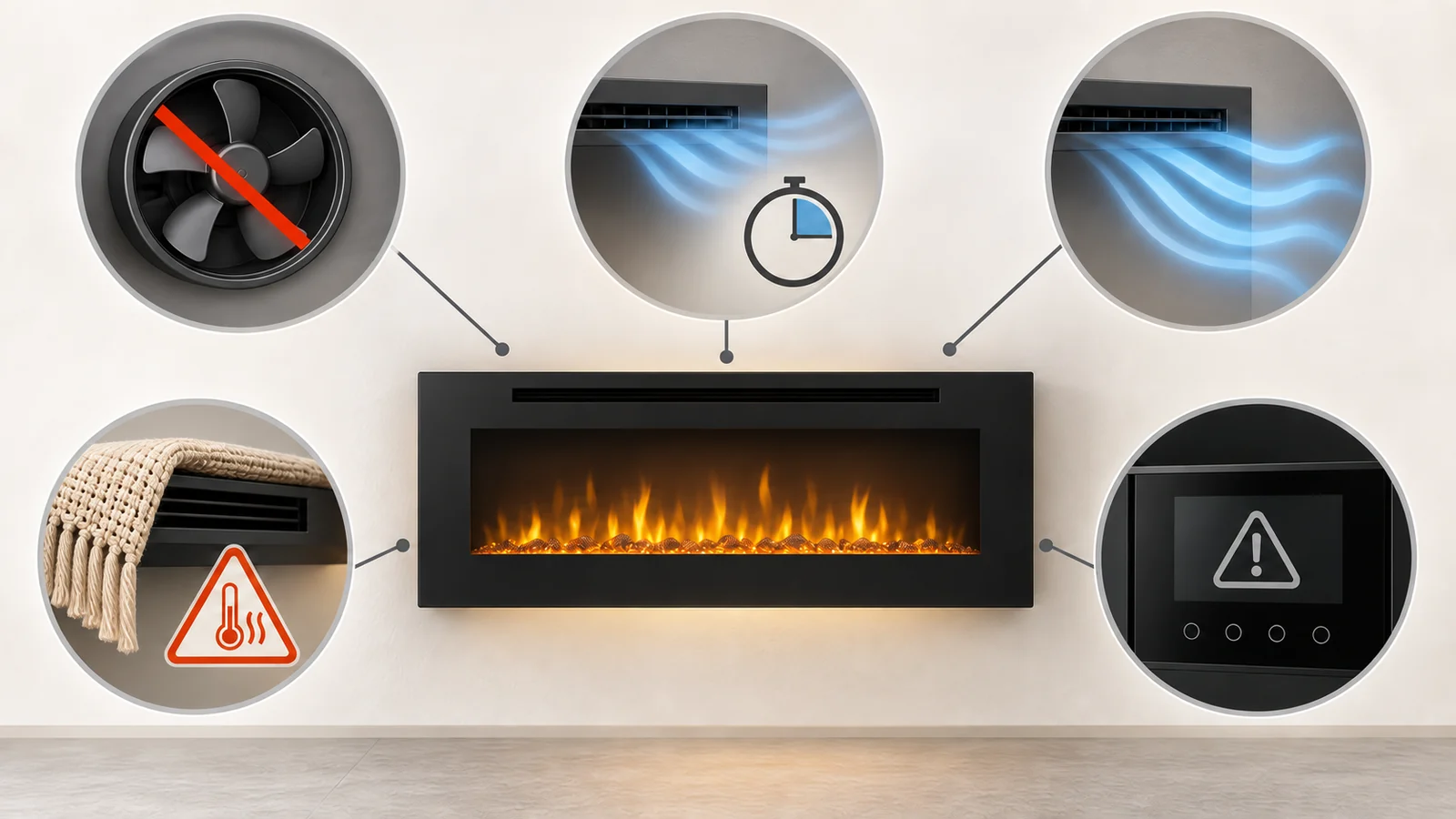
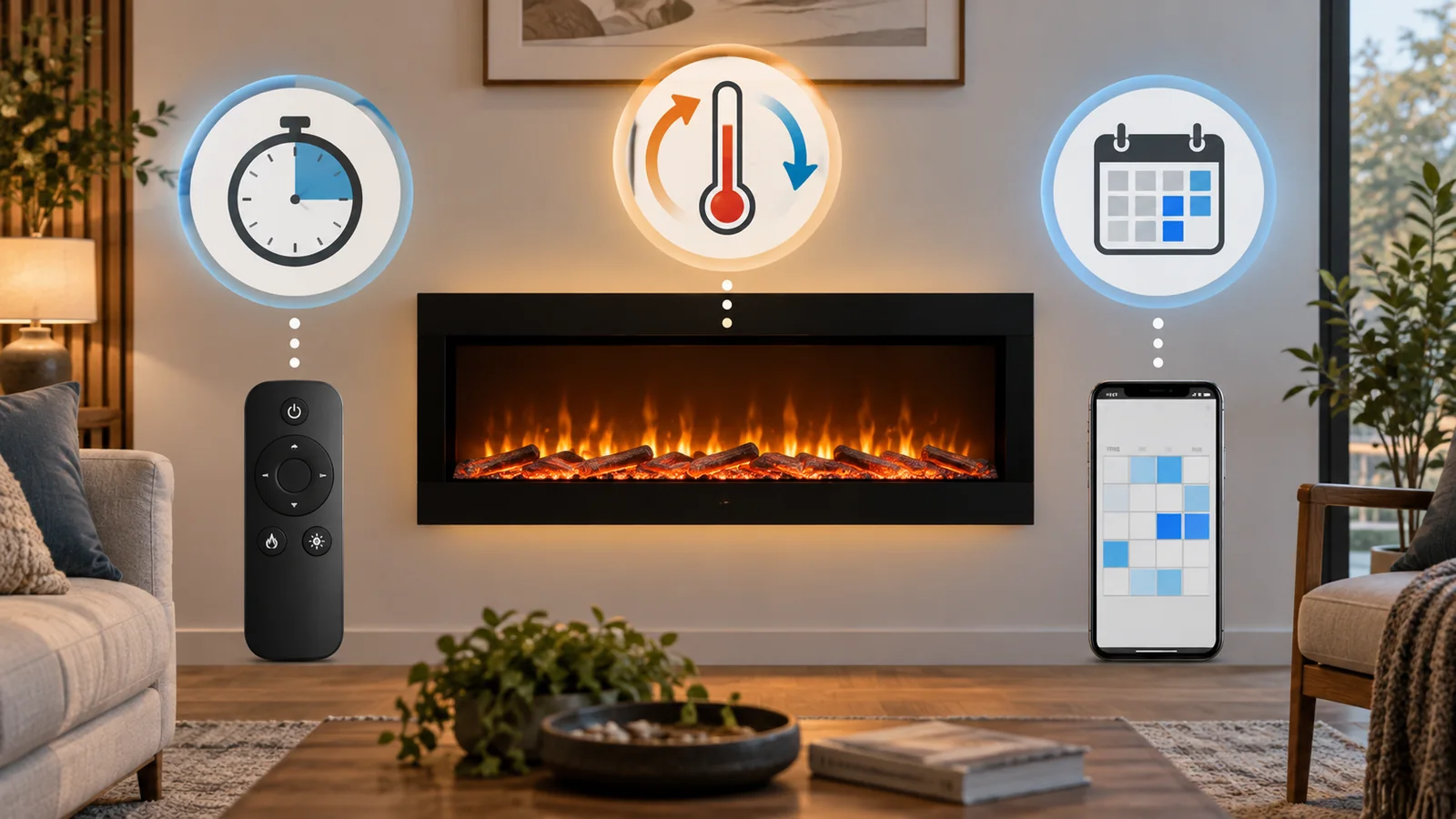
Flame on but no heat? Use fan behavior, heat mode, thermostat, display codes and exact-model reset timing to decide what to check—and when to stop.
 targeter_site002
Flame on but no heat? Use fan behavior, heat mode, thermostat, display codes and exact-model reset timing to decide what to check—and when to stop.
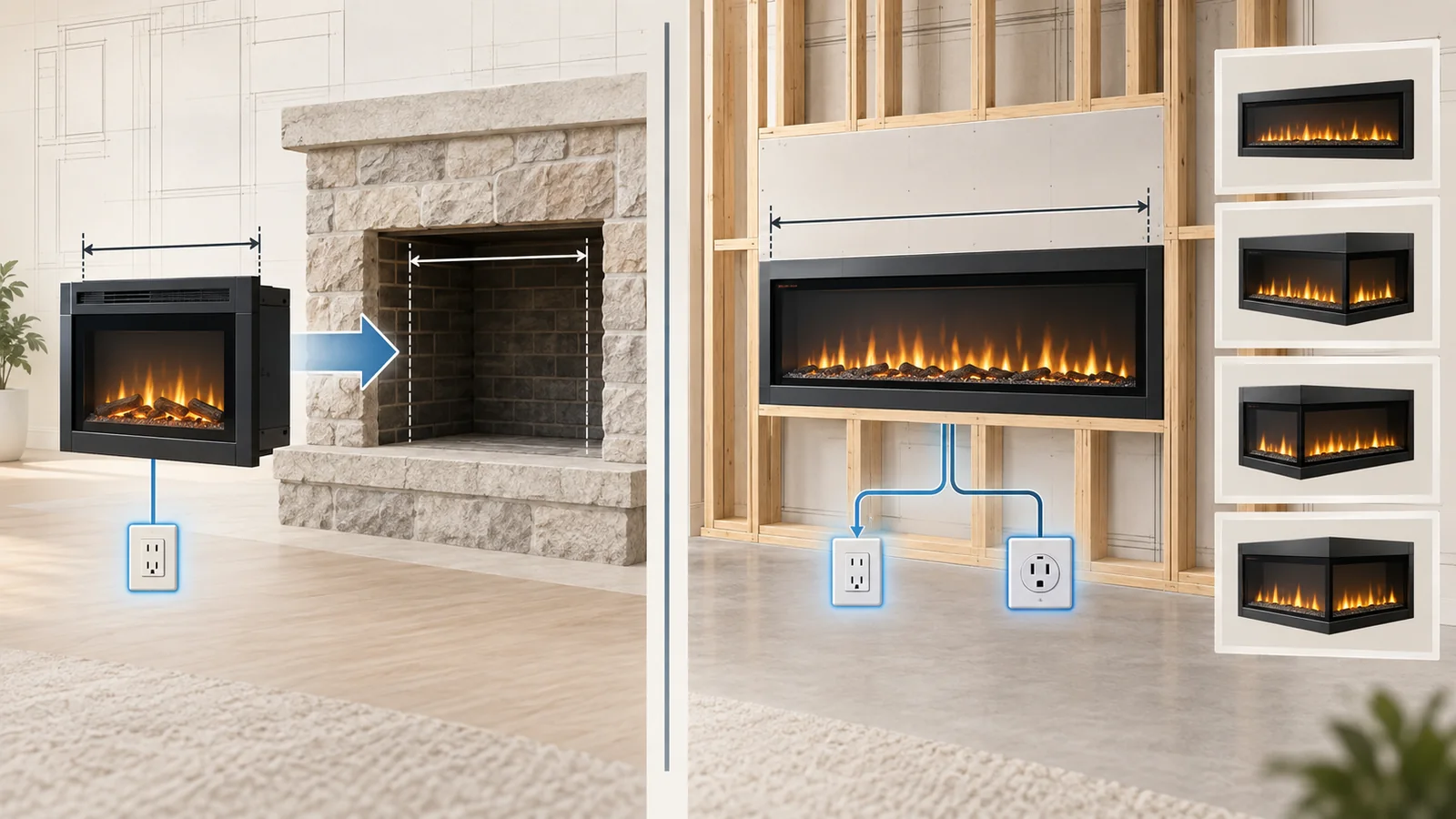
Separate the 31 GreenSmart insert from the 39–71 fireplace family, then compare configurations, rough openings, 120/240V power and option deadlines.
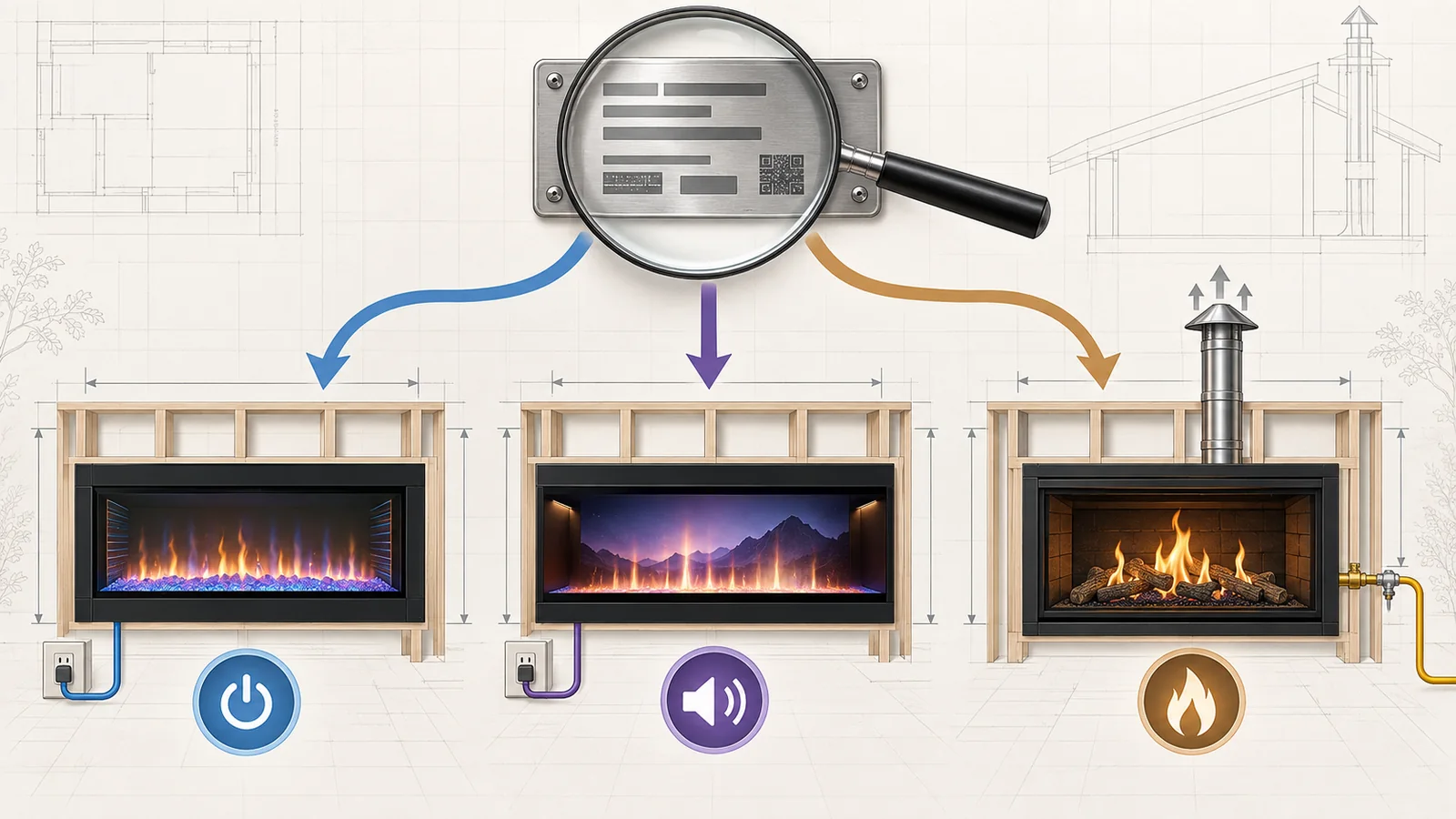
Compare standard and LCD Elevation models by exact code, 120/240V supply, connection method and the minimum framed depth in current manuals.
A timer may shut down the whole fireplace or live only in an app schedule. Compare exact models by range, controls, expiry and fallback.
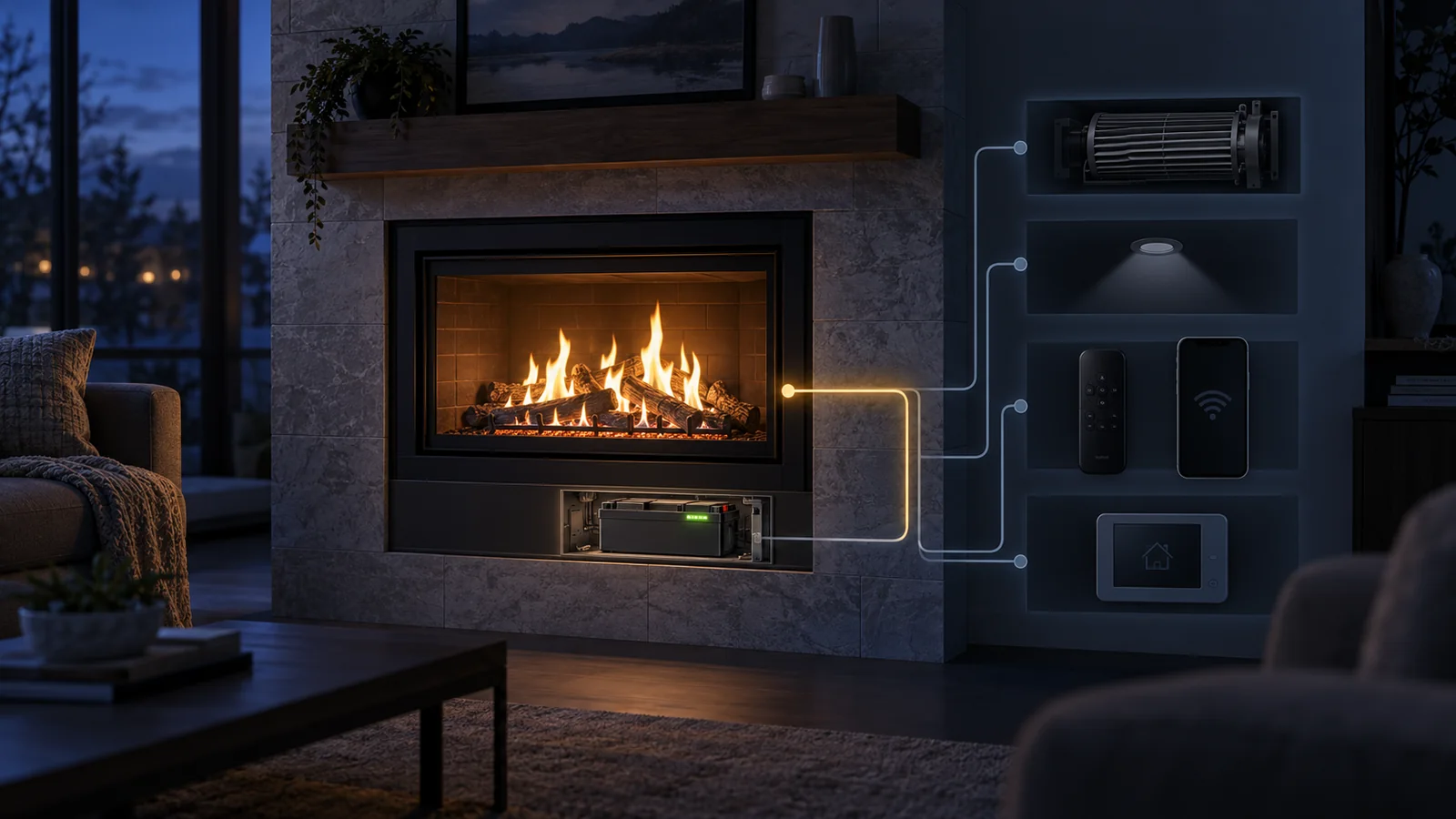
A gas burner may run on approved backup power while the blower, lights or smart controls stop. Use the exact manual to map every outage state.
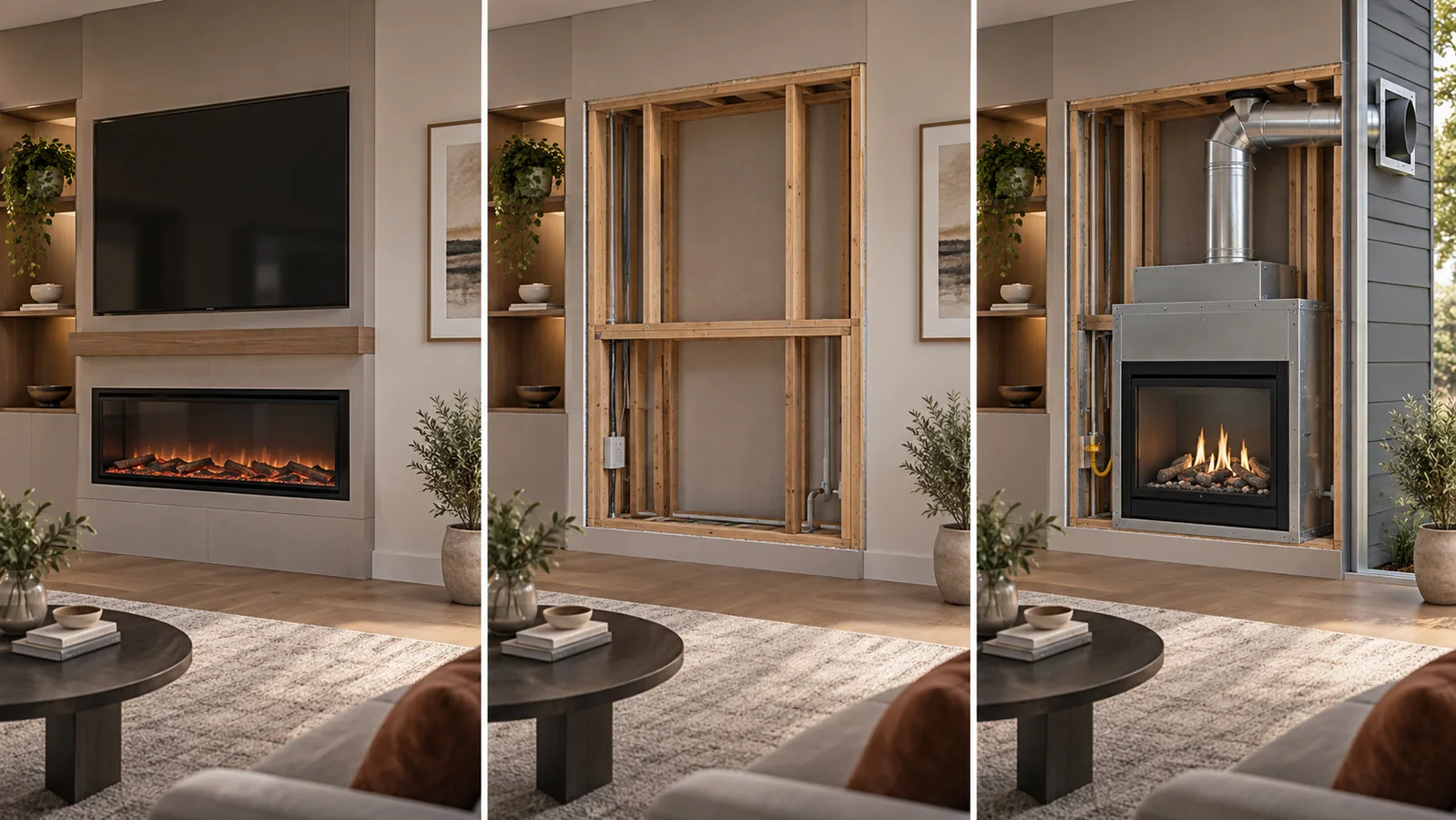
The old electric opening is not gas-ready. Classify the structure, then verify the new appliance, fuel, vent, framing, power and local owners.
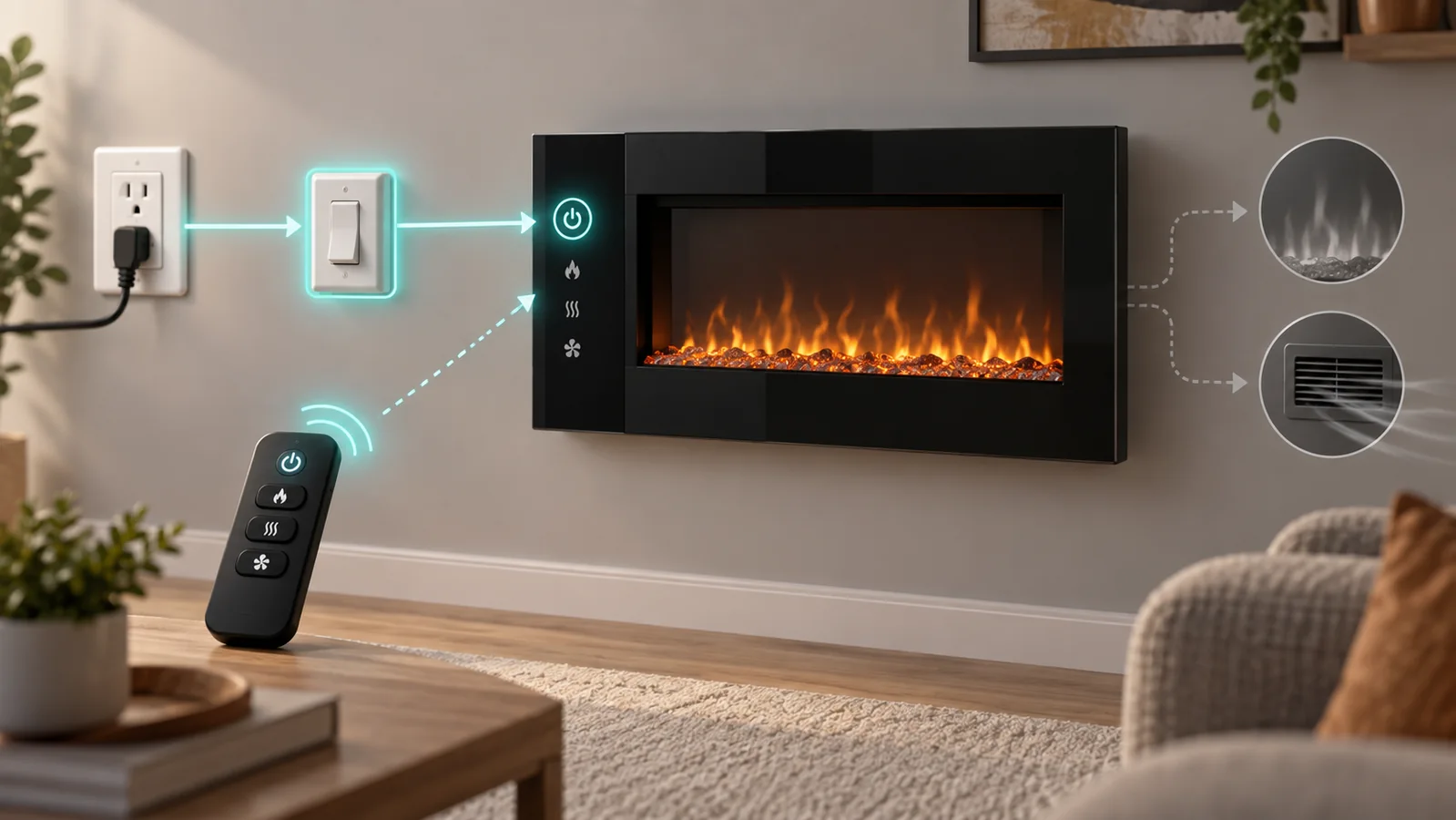
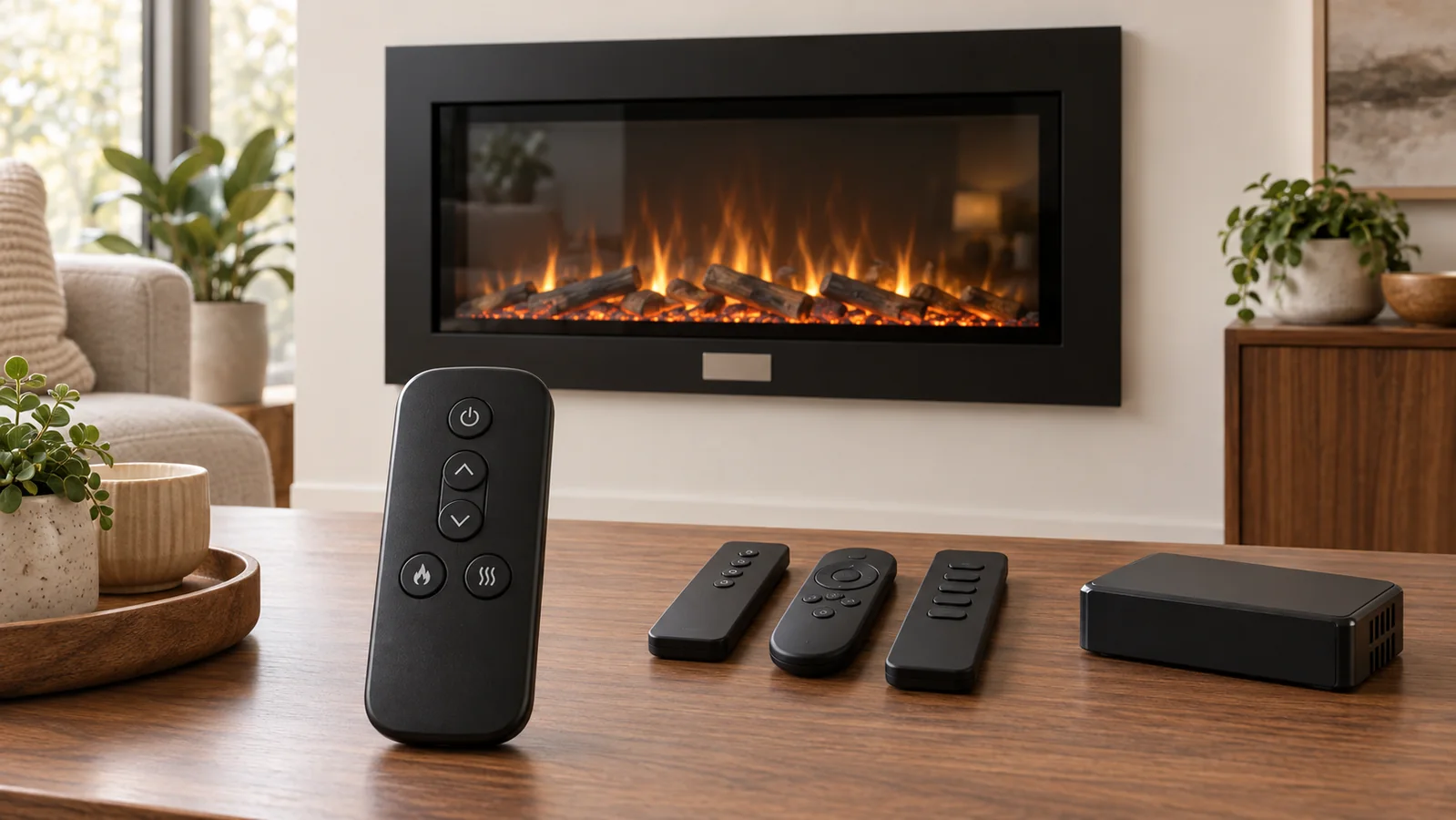
A dark screen, dead remote, working flame or failed heater point to different owners. Trace the last response before resetting or opening anything.
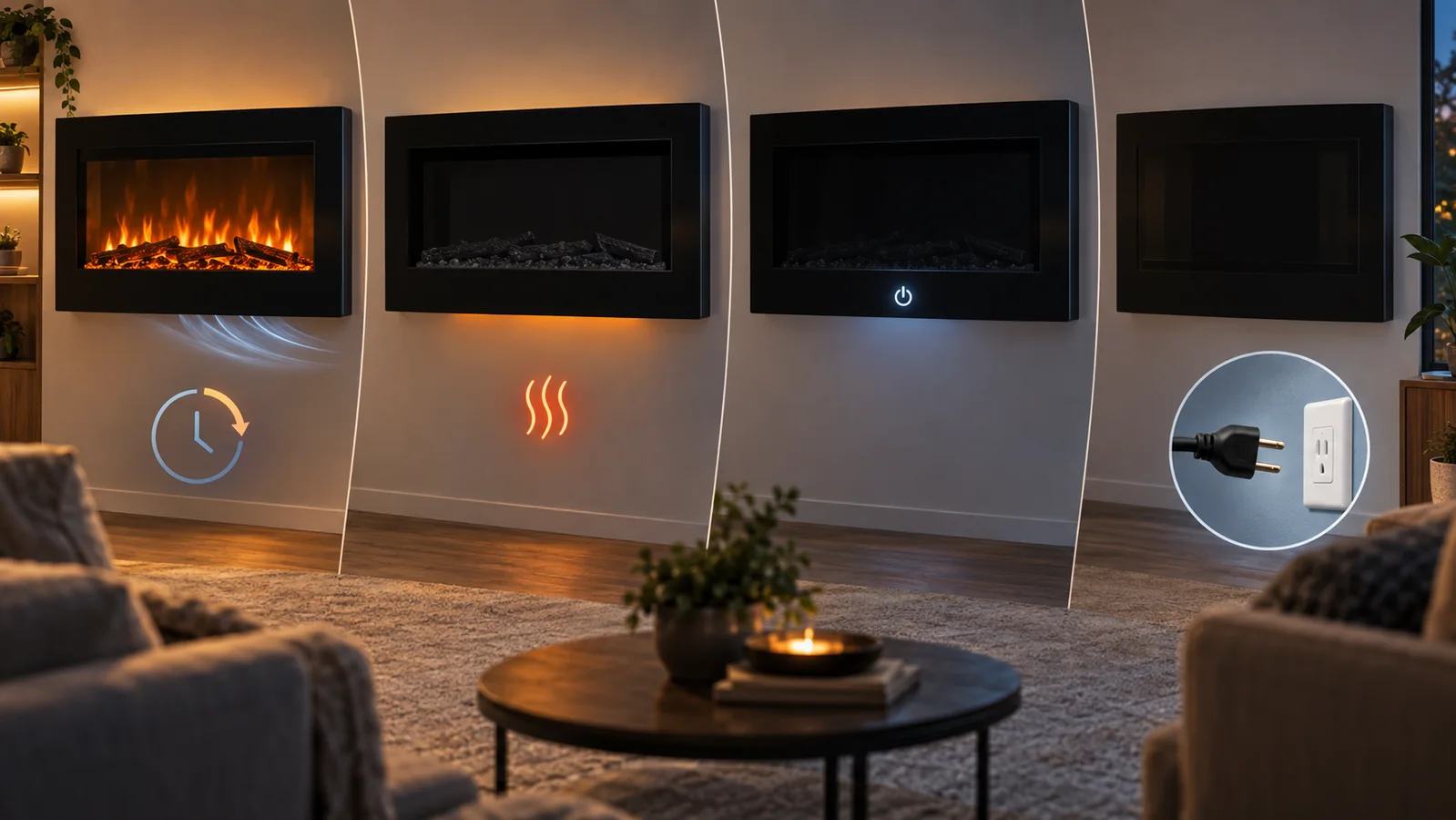
Heat can be off while flames, the fan or standby remain active. Match the exact manual before unplugging or cutting power.
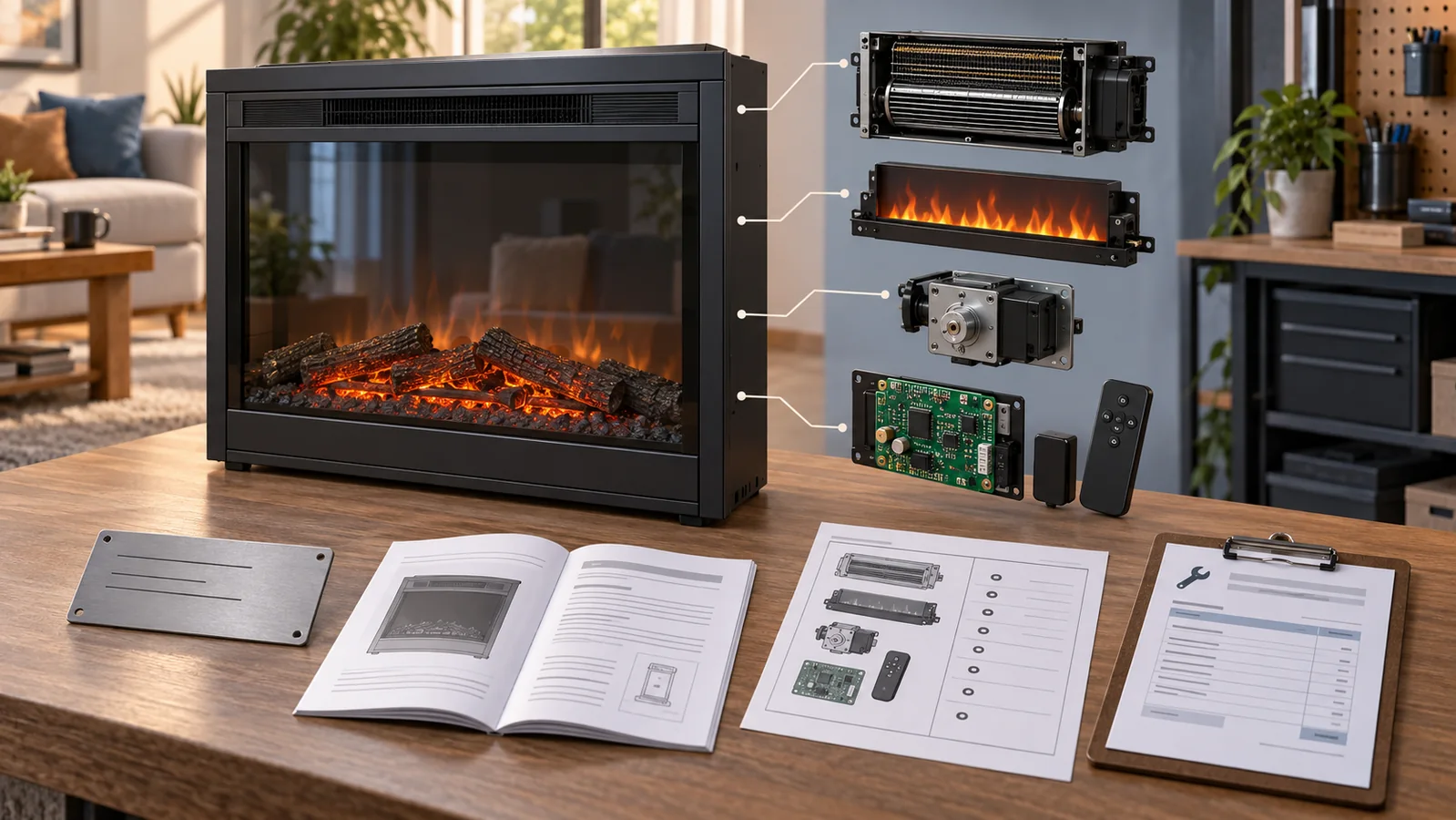
A warranty is not a lifespan. Use the exact model, dated parts list, service access and repair quote to decide whether your fireplace is supportable.
One Dimplex model can use different remotes by MOD level. Capture the model, serial and MOD, check its manual, then verify the remote or receiver path.