“SpectraFire electric fireplace” sounds like a product name. Current Twin Star product pages make it clear that it is not a safe model identifier.
On one product, SpectraFire is the name of the flame-effect technology. On another, it appears as one selectable flame appearance inside a broader 3D system. Even pages that use the same name publish different numbers of color, brightness and speed settings.
That changes the first move. Do not search for a universal SpectraFire manual or copy a remote sequence from the first matching video. Identify the fireplace or furniture package, recover the exact model or SKU, and then let that product’s current page or manual define the controls.
The same name does not produce the same control set
These current Twin Star pages were checked on September 8, 2026. They are useful precisely because they do not collapse into one specification.
| Current product owner | Physical format | How the page uses SpectraFire | Controls the page actually documents | What still needs an exact model or manual |
|---|---|---|---|---|
| Helen 48 wall-mounted fireplace | Wall-mounted or built-in wall unit | SpectraFire flame-effect technology | Three blue and three amber flame-effect brightness settings; included remote; flame use with or without heat | Button sequence, setting memory and any model-specific operating detail not stated on the product page |
| 18-inch infrared quartz insert | Insert for a mantel or TV stand | SpectraFire flame-effect technology | Three blue and three amber brightness options; unit control panel or included remote; flame use with or without heat | Exact model identity and the manual that owns each button and display state |
| 26-inch 3D infrared quartz insert | Insert for a mantel or TV stand | SpectraFire is listed with Sapphire, Amethyst, Campfire and Midnight Fire as flame color options within a 3D Flame effect | The page establishes the five named appearances | Brightness count, speed count, control surface and operating sequence are not established by the opened page |
| Southgate TV stand with ClassicFlame fireplace | Furniture package with a firebox | SpectraFire 3D flame-effect technology | Five adjustable color, brightness and speed settings; flame use with or without heat | The firebox identity and its controlling manual still have to match the installed package |
| ClassicFlame 42-inch PanoGlow | Wall-mounted or tabletop three-sided unit | SpectraFire 3D Flame effect | Two color options and three brightness settings; heat controlled separately | No universal speed or remote sequence can be inferred from the name |
The important contrast is not “old versus new” or “basic versus premium.” The current pages simply use the wording at different levels. It may name the flame technology, describe a 3D system, or identify one appearance within a set of colors. The exact product decides which meaning applies.
It also keeps nearby features from being counted twice. Helen’s page describes decorative uplights in addition to the flame-effect settings. Those uplights are a separate visual channel; they do not turn the three blue and three amber flame settings into a universal SpectraFire color count.
This matrix is not a product ranking. It is a transfer test: if two rows do not publish the same control set, instructions from one row cannot safely fill a blank in another.
Recover the firebox identity hidden by the furniture
A standalone wall unit gives you one obvious appliance to identify. A mantel or TV console can give you at least two: the furniture package and the firebox fitted inside it. Search results may lead with the cabinet name while the operating document is indexed under the insert model.
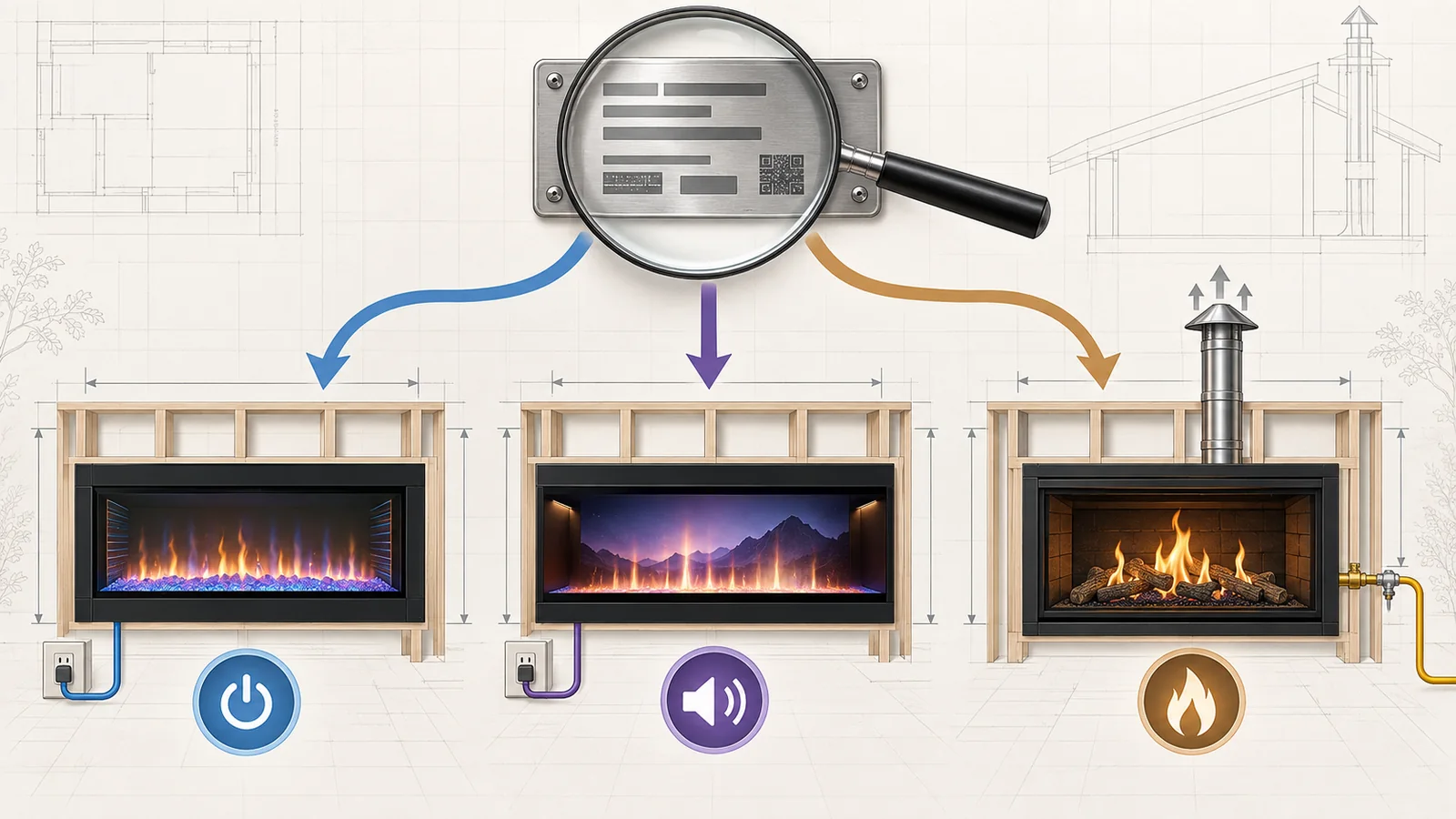
Keep those identities separate. Photograph the order label or carton information if it remains available, the package label, the firebox’s model/rating label, and the front control panel. Copy every character in the model or SKU, including suffixes. Do not turn a nominal width—“26-inch,” for example—into a model number.
The location of the identity label is not universal. If it is not visible without removing panels or shifting installed furniture, do not guess. The site’s electric fireplace manual guide shows how to use a manufacturer product or support owner to match the full model, market, document type and revision before relying on a file.
Brand language can add one more layer. If the visible name is Duraflame, use the Duraflame electric fireplace type-and-model route to separate the consumer-facing brand, the physical product type and the support owner. “Duraflame,” “ClassicFlame” and “SpectraFire” should not be compressed into one invented model name.
A remote photo is not a control manual
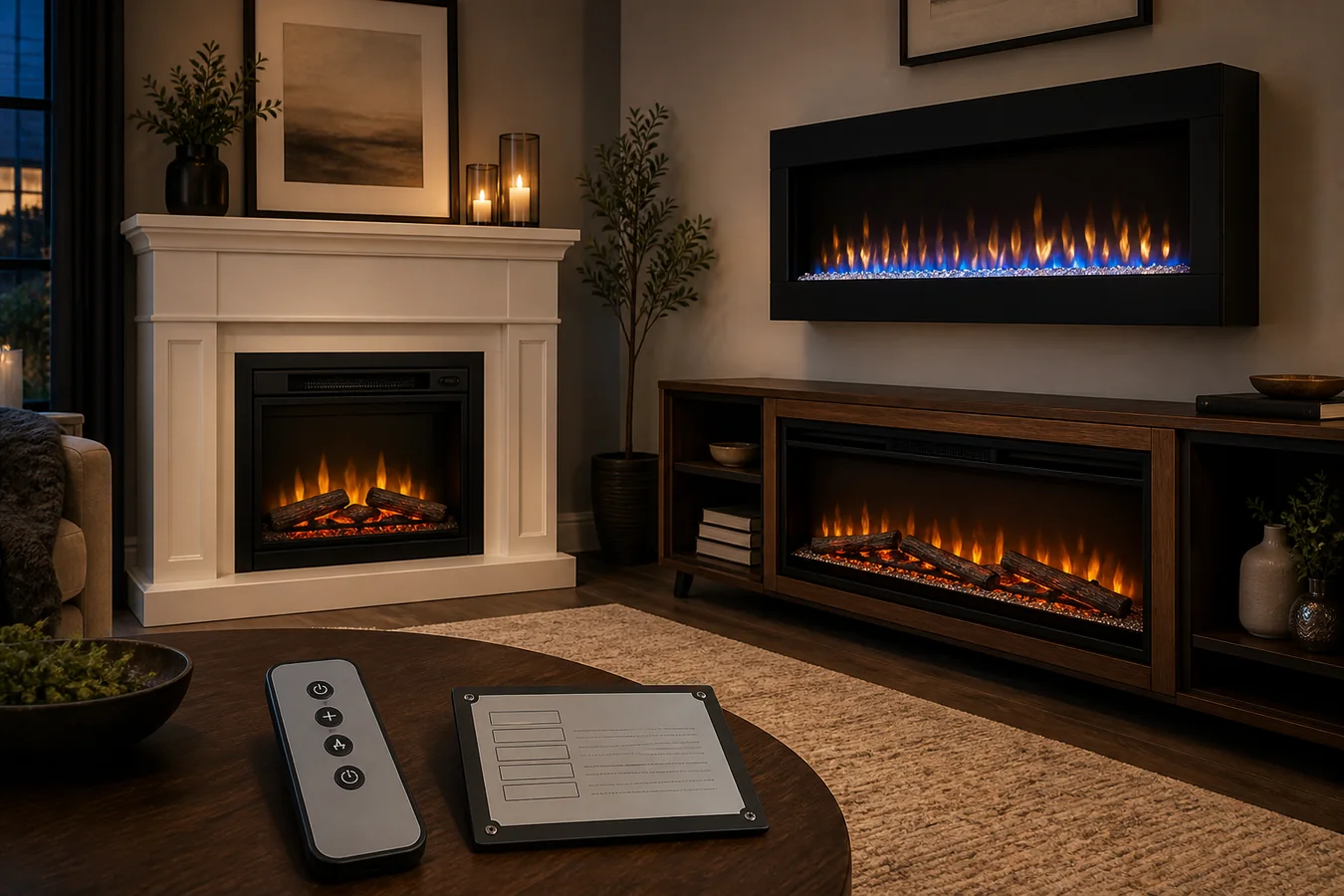
Remote images are seductive because the buttons look familiar. A flame icon, up/down pair or color button appears to promise a quick answer. But the icon does not tell you how many states exist, which state comes next, whether a long press has a different function, or whether the remote and local panel expose the same controls.
The current product owners already show why borrowing fails. The 18-inch insert page documents three blue and three amber brightness options. Southgate describes five adjustable color, brightness and speed settings. PanoGlow publishes two colors and three brightness settings. A sequence written for any one of those products would add settings to another product or leave real settings undisclosed.
Use a retailer listing as an identity clue, not as permission to transfer instructions. The live results include exact-looking model strings such as 26II042FGL alongside “3D SpectraFire Plus”. Record the string, then look for a current manufacturer product or support relationship that covers it. A matching flame name, picture or nominal width is not enough.
The product page and manual also answer different questions. A product page may establish that flame and heat can operate independently or that a remote is included. The exact manual should own button order, display codes, setting memory, remote pairing and troubleshooting. If the current first-party page never states one of those details, leave it unresolved until the correct manual or manufacturer support supplies it.
Keep the flame record smaller than the fireplace record
Once you know what SpectraFire means on the exact product, you have finished only the visual-control portion of the decision. The flame name does not establish the cabinet or opening dimensions, wall relationship, electrical connection, heater input or output, clearance, service access, replacement parts or warranty route.
Move the recovered model into the electric fireplace specifications guide and keep those fields attached to their current owner. A beautiful flame setting cannot compensate for the wrong opening, and a matching cabinet cannot make a borrowed remote sequence correct.
The LED layer deserves the same discipline. SpectraFire pages may mention LED lighting, but “LED” can describe the flame image, ember bed, accent lighting or several channels. The LED electric fireplace guide separates those layers from the heater and product format. Do not infer owner-replaceable lighting or a service part merely from the component name.
Appearance is another separate decision. Color counts and a “3D” label do not prove what the effect looks like from your sofa, in daylight or when switched off. If the remaining question is visual fit rather than identity, use the realistic electric fireplace viewing guide with the exact shortlisted model. This page does not rank the five examples for realism.
The resulting product record can be small without being vague: exact package and firebox model; physical format; the source’s use of SpectraFire; documented colors, brightness and speed; local panel, remote or app ownership; flame-without-heat behavior; and the current manual or support owner. Unknown entries stay empty rather than being borrowed from a nearby product.
Ask support to resolve one missing relationship
If the current catalog no longer exposes the firebox, send support the unresolved relationship rather than asking for “the SpectraFire manual.” A useful message looks like this:
I have a [mantel / TV stand / insert / wall unit] sold as [product name]. The package identifier is [full SKU], and the firebox label reads [full model and serial, if available]. The controls are shown in the attached photos. Search results call the flame effect SpectraFire, but I need the current [owner / operating / service] manual for this exact firebox. Please confirm which document and revision covers it, and whether the published color, brightness and speed controls apply to this model.
Attach clear identity and control photos, the country of purchase, approximate purchase date, retailer order description and any candidate document URL. If support confirms only the flame-effect name, ask again for the exact covered model and document revision.
The search is finished when the product identity and document relationship agree. At that point SpectraFire has done its proper job: it describes part of the flame presentation. It no longer has to pretend to be the model, the manual or the whole fireplace.