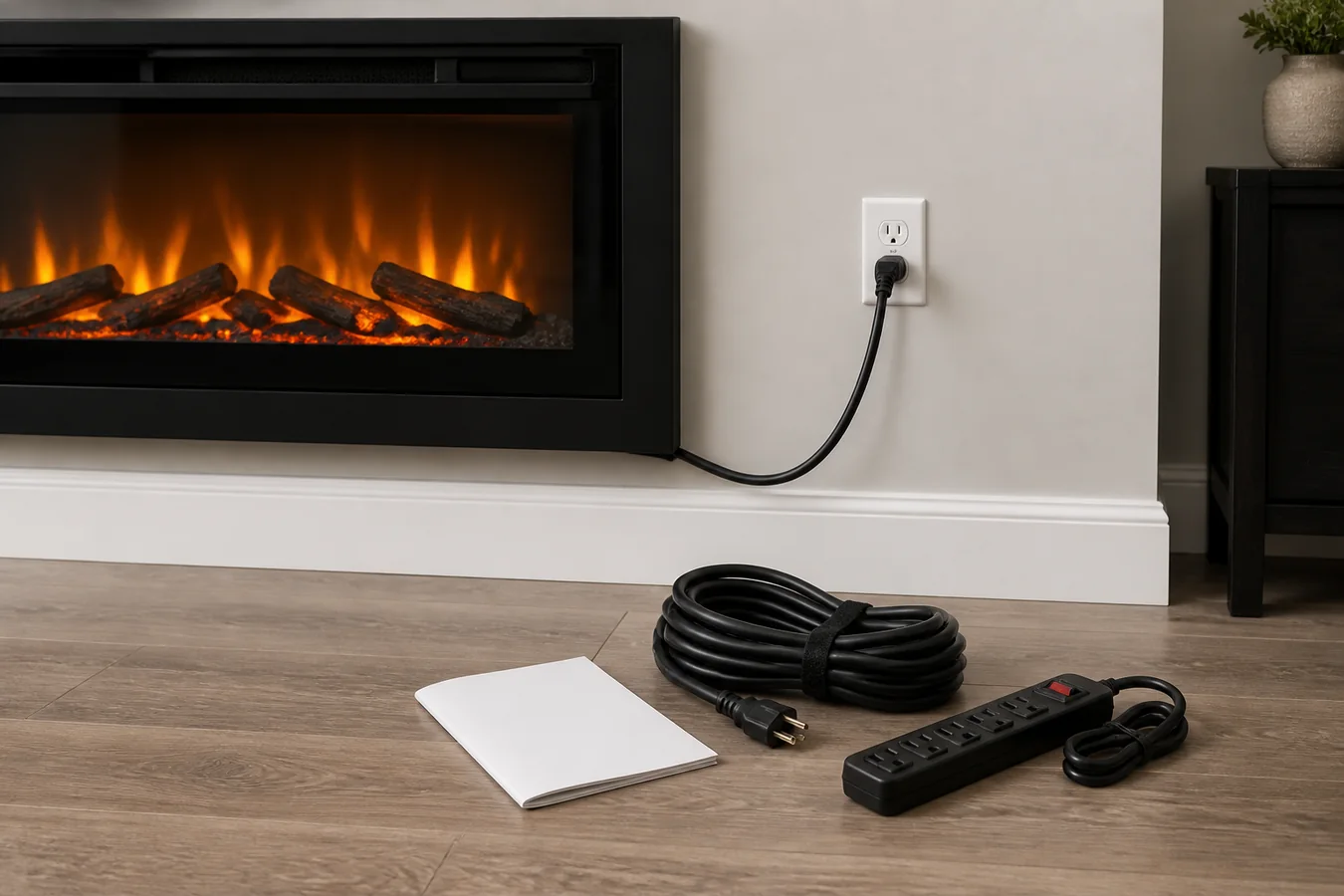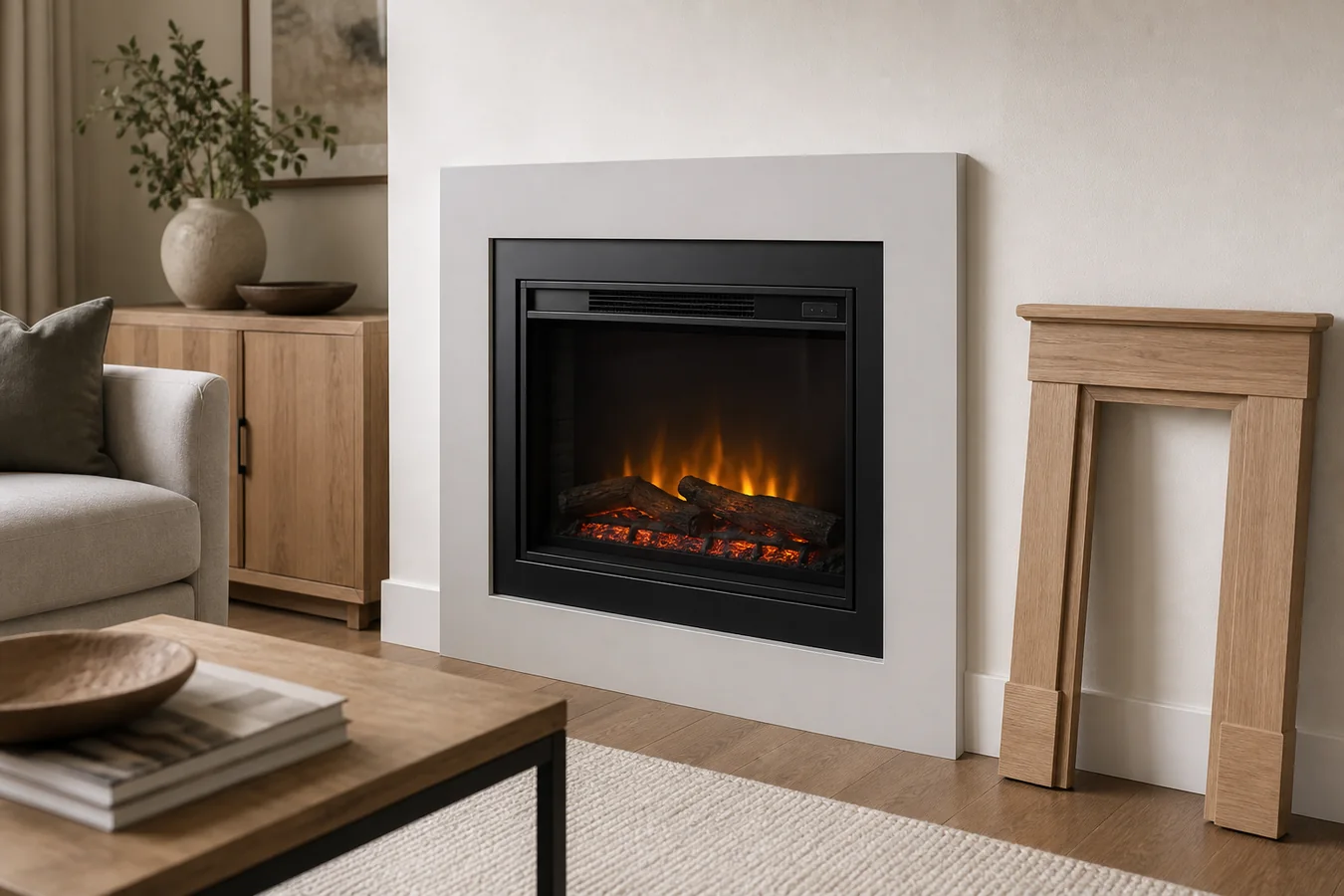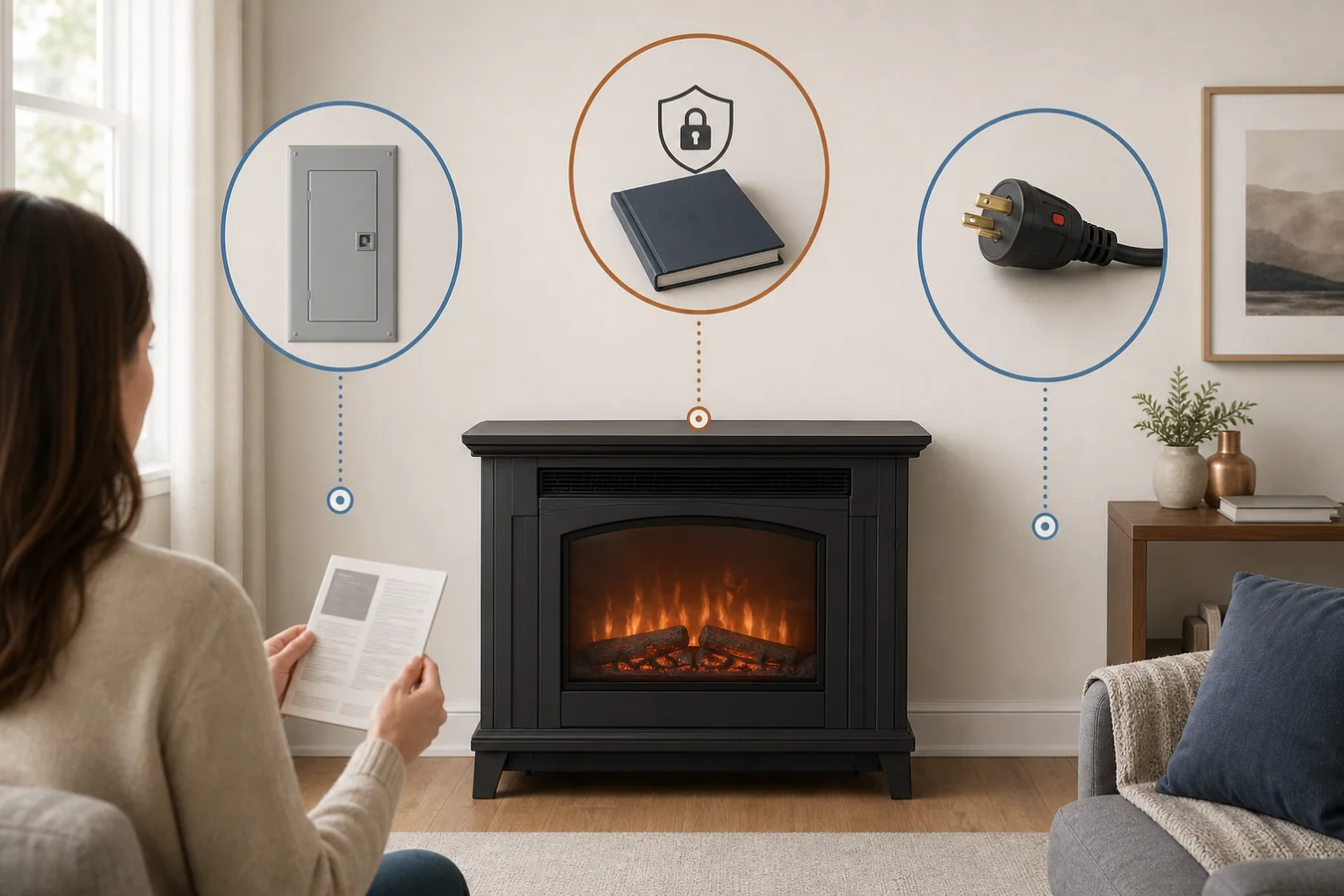
A PDF can have the right brand, the right product name and a perfectly readable cover, yet still be the wrong electric fireplace manual. One changed suffix can mean another width or market. A familiar series may have several generations. An owner manual, installation guide and service document can all belong to the same appliance while answering different questions.
Before using a file for a setting, error code, part inquiry or project decision, require four matches: the exact model or SKU, the market and product generation, the document’s purpose, and a current manufacturer-owned source or clearly identified revision. A close name does not compensate for a missing field.
If all four agree, the file is a defensible starting point. If one remains unresolved, the useful result is not a guessed download; it is a precise question for the manufacturer.
A close product name is still the wrong manual
Manual libraries reveal how much work a product name can hide. The current Touchstone manual index, for example, separates several similarly named Sideline families and maps individual products to item or model numbers. Finding “Sideline” on a cover is therefore not the same as matching the number attached to the fireplace.
Small identity differences can carry large consequences. A suffix may identify a regional version. A number embedded in a retailer title may describe nominal width rather than the complete model. A document may cover several listed models but omit the one in front of you. The file has to state the relationship; visual similarity cannot supply it.
Revision matters for the same reason. Regency’s current manuals table preserves fields for product revision, manual part number, manual revision and effective date. That structure is a useful reminder that “same fireplace name” and “same instructions” are different claims.
Brand-specific guides can still help once their scope is clear. The site’s SimpliFire Scion model-and-manual guide stays inside one named family. For a different appliance, copy the identity again rather than carrying a prefix rule across brands or product lines.
Copy the identity before searching for a file
Begin with the appliance, not the search box. Record the brand and the full model or SKU character for character, including spaces, hyphens and suffixes. Add the serial number if it is available, the country where the unit was sold, and a purchase date or receipt description that can help distinguish an older generation from a current one.
Do not assume every fireplace puts those fields in the same place. Dimplex explicitly says model and serial placement varies by product and provides separate model-and-serial locator guidance for different series. The correct location for one insert is not a rule for a wall-mounted unit, stove or mantel package.
If the label is inaccessible or unreadable, preserve what can be verified: a clear photograph of the appliance and controls, the retailer order, packaging label, receipt, approximate purchase date and any manual already supplied. Those clues can narrow a support inquiry, but they should not be combined into an invented model number.
The resulting identity record can be short:
Brand; full model or SKU; serial if available; purchase country; approximate purchase date; product format; and the exact question the document must answer.
Keep electrical ratings, dimensions and other specifications attached to the exact source that supplied them. The electric fireplace specifications guide explains how those fields change fit and project decisions; it does not turn a near-model document into evidence for this appliance.
Let the manufacturer’s document structure narrow the field
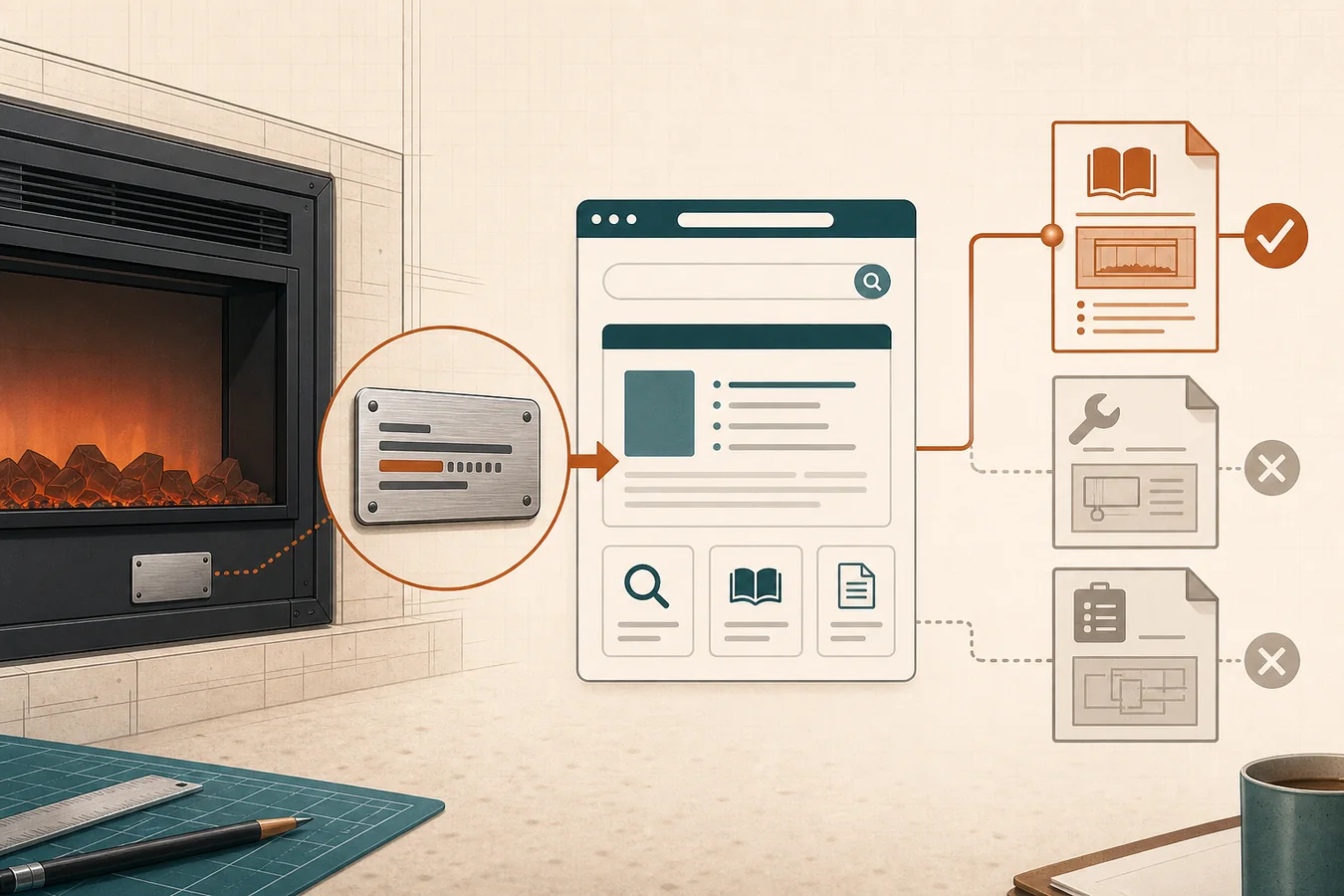
Use a current manufacturer product or support owner before a general PDF result. Dimplex’s product-resources search accepts a model number, product name or series and exposes owner, installation, service and specification resources. That is stronger than a filename copied across document sites because the manufacturer is still declaring the relationship.
An exact product page can be stronger still. Napoleon’s current Cineview 26 page names model NEFB26H and places its product manual and specifications sheet in the same product owner. That closes a relationship for NEFB26H; it does not automatically close another Cineview model.
Search the official site with the complete model first. If that fails, remove only formatting characters such as a space or hyphen, then search the product name or series while keeping the original identity record beside the results. This widens discovery without weakening the final match.
A discontinued product may no longer appear in the current catalog. An official archived manual can still be useful when the manufacturer clearly preserves its model coverage and the identity agrees. Do not replace an archived-model relationship with the nearest current product merely because its page is easier to find.
Match the document to the job, not just the product
A model match only answers “which appliance?” The next question is “which document?” Manufacturer libraries commonly separate files because operating a product, planning its placement and servicing internal components are different jobs.
- Owner or user manual: normal controls, modes, routine care and user-facing messages.
- Installation manual: the product’s documented placement, opening, clearance, power and assembly relationship. It is evidence for planning, not permission to ignore local requirements or qualified trades.
- Service manual or service-parts document: diagnostic or component information with a narrower audience. Finding it does not authorize internal repair or establish that a similarly named part is compatible.
- App, remote or accessory instructions: a separate control or accessory relationship that may have its own model list and version.
- Specification sheet: a compact product-data source that may omit operating and installation context.
The distinction is visible on SimpliFire’s current Electric Insert product page. It names models SF-INS25, SF-INS30 and SF-INS35, then offers an owner’s manual, a service manual and service-parts material separately. Those links share a product owner without becoming interchangeable.
Let the question choose the branch. A missing or failed handheld control belongs with the electric fireplace remote replacement guide after the appliance and remote identity are known. An E3 display belongs with the model-bound E3 code guide, not with a generic error list borrowed from another brand.
Installation planning begins only after the exact installation document is admitted. The electric fireplace installation guide helps assign the site, electrical, finish and inspection responsibilities around that document. It does not fill a missing model or revise the manufacturer’s instructions.
Four fields decide whether a file belongs to your appliance
Put every candidate through the same four-field admission. None of the rows is optional, and confidence in one row cannot erase a conflict in another.
| Field | Evidence to compare | Accept the file when | Do not act when |
|---|---|---|---|
| Exact model or SKU | Appliance identity, purchase record and the document’s model-coverage line | The complete model or SKU agrees character for character, or the manufacturer explicitly lists it in the covered set | Only the brand, family, width or a near model agrees |
| Market and generation | Sale country, regional suffix, voltage market, purchase era, archived/current product owner and document language | The file belongs to the same market and product generation, or the manufacturer confirms the cross-market relationship | A regional suffix, older generation or replacement model remains unresolved |
| Document purpose | The question being answered and the file’s owner, installation, service, parts, app/accessory or specification role | The named document type actually controls the intended job | A correct product is paired with the wrong kind of document |
| Revision and source | Official product/support owner, manual number, revision, effective date, coverage page and retrieval date | A current manufacturer-owned route or explicit manufacturer confirmation binds the version to the exact product | Only a search result, copied filename, reseller host or undated cover supports the file |
When all four rows close on a current official owner, record an official current match. When the manufacturer clearly maintains an exact older-model file, record an official archived match and preserve its version boundary.
A mismatch should be just as specific: model or generation unresolved, wrong market or document purpose, reseller copy only, or manufacturer confirmation required. That wording is more useful than “manual not found” because it tells support what must be resolved.
The result identifies the controlling evidence. It does not certify the appliance’s condition, confirm a replacement part, approve a site or grant permission to perform electrical, installation or service work.
A reseller PDF can be a clue, not the final authority
Search results often lead directly to PDFs stored by retailers. Some are complete documents for clearly named models and can reveal a manual number, coverage line or phrase worth searching on the manufacturer’s site. That makes them useful discovery evidence.
The missing fact is usually current ownership. A retailer copy may have been uploaded for an earlier listing, may lack later revision context or may remain online after the manufacturer reorganizes its support pages. Search position does not answer those questions.
Use the copied file to extract exact identifiers, then look for the same manual number and model relationship on the current manufacturer product, support or archive owner. The manufacturer’s current page may lead to a newer revision, preserve the older file for a discontinued model or reveal that the PDF belongs to another market.
If the appliance label and a reseller PDF agree but no official route survives, keep the outcome as reseller copy only. The file can accompany a support request; it should not quietly become the controlling source for a consequential action.
Send manufacturer support a complete record
Support can answer a narrow identity question more reliably than a message asking for “the manual for my electric fireplace.” Give the representative the evidence needed to distinguish product, market, generation and task.
Provide the brand; full model or SKU exactly as shown; serial if available; country of purchase; approximate purchase date; clear identity and control photos; the document type needed; the URL and manual number or revision of every candidate file; and the one field that does not agree.
Ask for the current owner, installation, service, parts or accessory document for that exact identity, and ask whether an older file is intentionally archived for it. Save the reply with the URL and retrieval date so the decision can be reconstructed later.
The search is complete when one file survives all four fields, or when the unresolved field has been placed with the manufacturer that can answer it. Either result is better than a convincing PDF attached to the wrong appliance.