An electric fireplace with a timer may give you a simple countdown, a temperature-driven heater cycle, or a repeatable weekly program. Those are three different promises. A product card that says only “timer” has not told you which one you are buying—or whether the setting turns off the heater, the flame effect, or the entire fireplace.
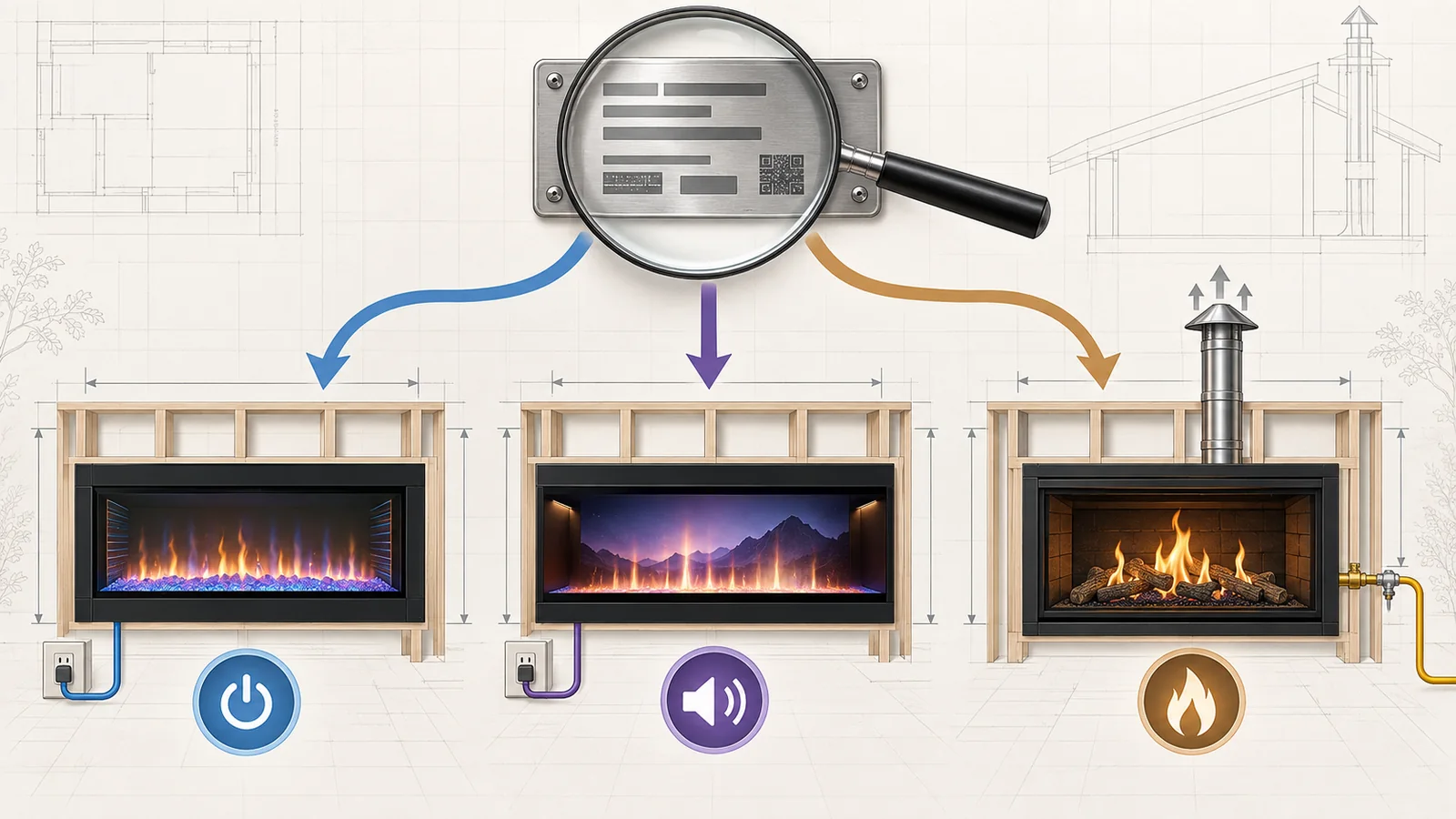
The quickest useful check is to find the exact model’s current owner manual and complete four fields: what starts the event, how long it can run, which control sets it, and what changes when it ends. If any field is missing, the timer is not ready to influence the shortlist. Current first-party documents show why: one Dimplex family uses a half-hour countdown that turns off the fireplace, while a Modern Flames family separates that countdown from an app-based weekly schedule.
The word “timer” can hide three different promises
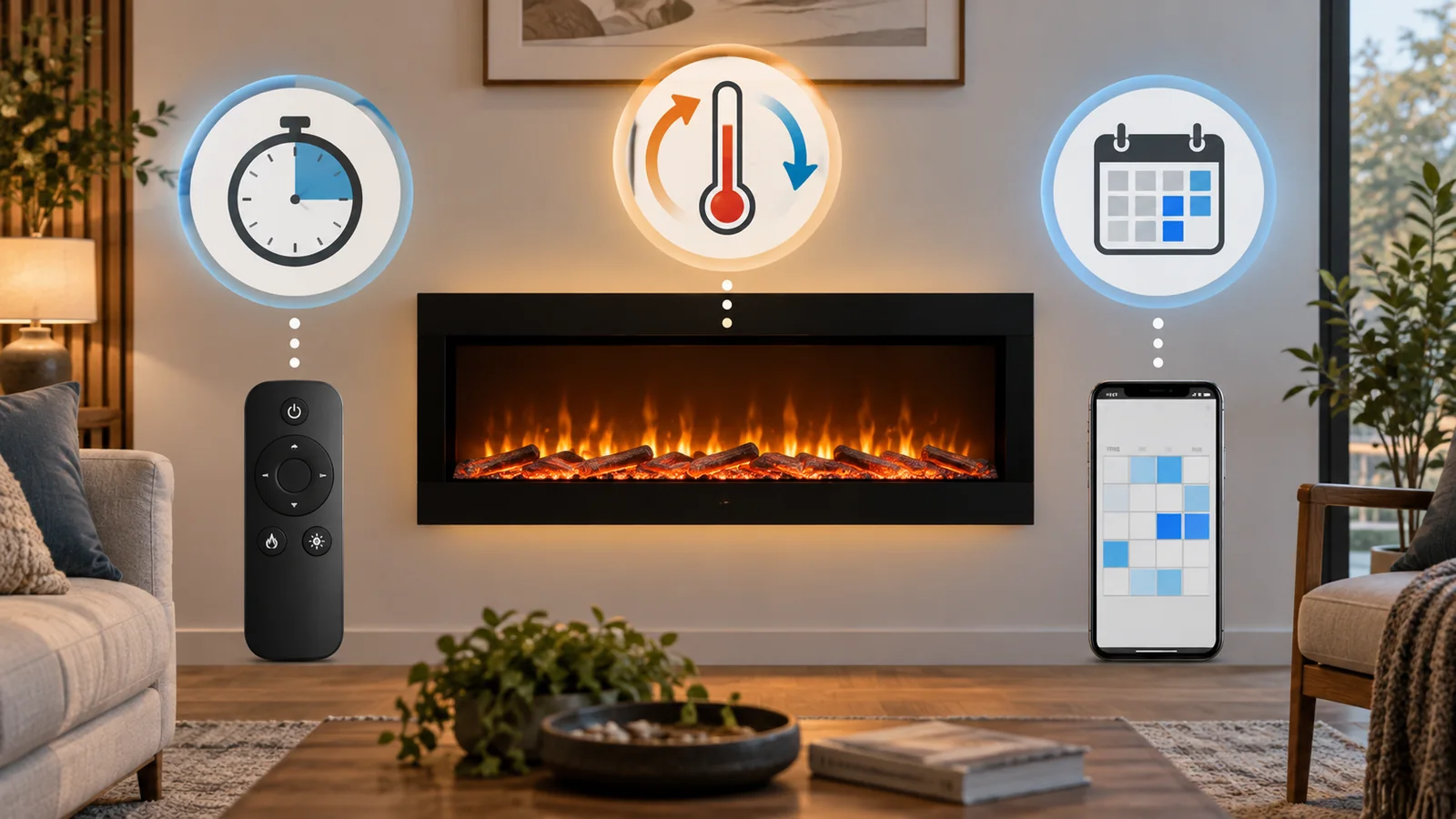
Start with the trigger. It tells you more than the icon.
A countdown responds to elapsed time. You choose a duration, the clock runs down, and the documented function changes state at zero. The decisive question is what the manual means by “off.” The whole fireplace may stop, or a narrower function may end. Do not infer the scope from a clock symbol.
A thermostat responds to temperature. It may cycle the heater while the flame effect or other visual functions continue. That is useful when the real goal is room-temperature control, but it is not a substitute for a countdown. The site’s electric fireplace thermostat guide explains how the setpoint, sensor and heater response form a separate control loop.
A weekly program responds to a schedule. It can repeat an action at a chosen day and time. That sounds like a “better timer,” but it usually adds another ownership layer: an app, a compatible device, an account or network access, and rules about manual overrides. A shopper who only wants the fireplace to stop two hours from now may not benefit from that complexity. A household expecting the room to warm before a recurring event may require it.
There is also a fourth phrase that should stay in a different column: automatic safety shutoff. It describes protective behavior, not necessarily a user-programmable timer. If a listing presents both, record both. Never use one as proof of the other.
Four current examples do not share one timer contract
The table below is deliberately model-specific. It does not rank the fireplaces; it shows what a buyer can and cannot conclude from the sources currently available.
| Exact owner | Timer evidence | Control and duration | Documented result | Still unknown |
|---|---|---|---|---|
| Dimplex Ignite Evolve 50/60/74/100, owner manual R06 | Timer | 0.5–8 hours in 0.5-hour intervals | The fireplace turns off after the set time | Whether the timer survives an interruption of supply power |
| Modern Flames Orion Traditional, current owner/installation manual | Countdown plus weekly program | Countdown and schedule are set in the app | Countdown turns off the fireplace; weekly program can assign Off, Heater On, Flames On or Recirculate | App/network availability and saved-program behavior after a power interruption |
| Touchstone Sideline Elite Pro 50, item 80057 | Advertised timer | Product page says 30 minutes–9 hours and separately lists app, remote and panel operation | The inspected product page does not explicitly state what the timer turns off | Timer control surface, expiry scope and persistence require the exact manual |
| Touchstone Sideline Elite 60, item 80037 | Advertised built-in timer | Product page says 1–8 hours | The inspected product page does not explicitly state what the timer turns off | Control surface, increments, expiry scope and persistence require the exact manual |
The Dimplex Ignite Evolve owner manual states both the range and the outcome: the timer can be set from 30 minutes to eight hours in 30-minute intervals, and the fireplace turns off after the selected time. That is enough to classify the feature as a whole-fireplace countdown for the named models and revision. It is not evidence about a different Dimplex family.
The Modern Flames Orion Traditional manual documents a wider scheduling contract. Its app countdown turns the fireplace off at zero. A separate weekly program can schedule the fireplace off, turn on the heater until the thermostat condition is reached, turn on the flames, or run recirculation. The manual also says manual settings supersede programmed settings. That makes override behavior part of the feature, not a footnote.
Touchstone’s current product pages illustrate a different problem: even closely related commercial labels do not justify a family-wide assumption. The Sideline Elite Pro 50 item 80057 page advertises a 30-minute-to-9-hour timer. The Sideline Elite 60 item 80037 page advertises one to eight hours. Both pages provide useful exact-item evidence, but the inspected copy does not close every operating cell in the table. That is the correct moment to open the linked owner manual—not to borrow details from the sibling model.
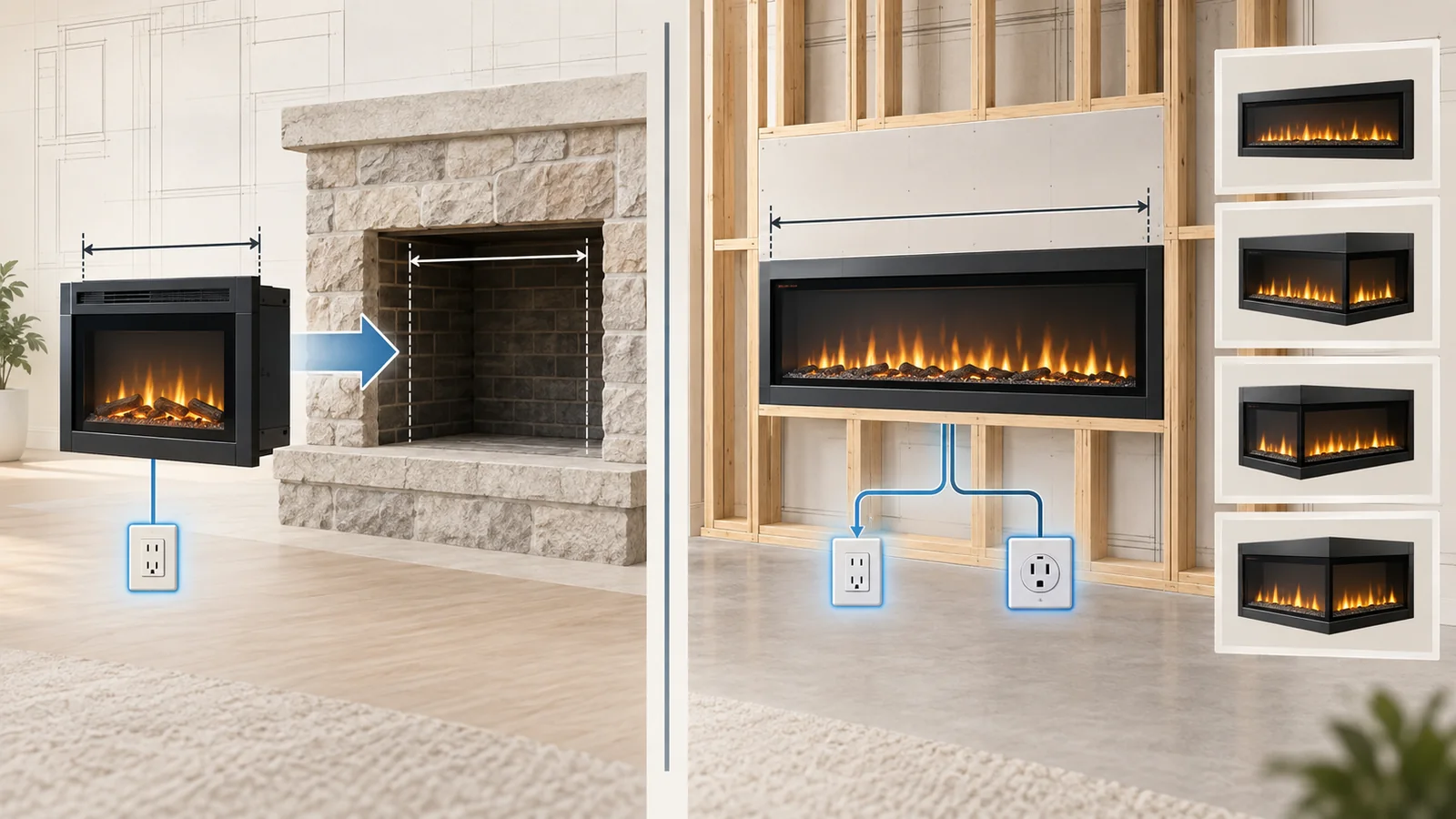
For any candidate, keep the timer line beside the other electric fireplace specification fields. A timer does not repair an opening, power, clearance or heat mismatch; it only becomes useful after the underlying product fits the project.
Match the timer to the moment you expect it to solve
A strong feature decision begins with a sentence about the room, not a feature count.
If the goal is “I want the whole display to end after the movie,” require a countdown whose manual expressly says the fireplace turns off. A thermostat is insufficient because it responds to temperature, not the end of the movie. A weekly program may work, but it adds unnecessary setup if the event time changes every night.
If the goal is “I want heat to respond as the room warms,” look for the exact thermostat behavior. A countdown can cap elapsed runtime, but it cannot tell whether the room reached the desired temperature. It may end too early on a cold night and too late on a mild one. Keep the heater cycle and the visual effect as separate states.
If the goal is “I want a repeatable action before the same event each week,” a weekly program is the relevant promise. Now the questions change: Which states can be scheduled? Does the app expose functions the remote or panel does not? Can a manual command override the program? Who will maintain the app and account? The schedule only passes if those conditions suit the household.
If the goal is merely “I do not want to forget the heater,” do not let a convenience feature become a safety shortcut. Confirm the product’s exact operating and placement rules and decide whether the appliance is appropriate for the proposed room and supervision pattern. The electric fireplace safety guide keeps heater, outlet, airflow, surface and supervision risks separate from the flame effect.
Expiry, thermostat cycling and protective shutdown are different events
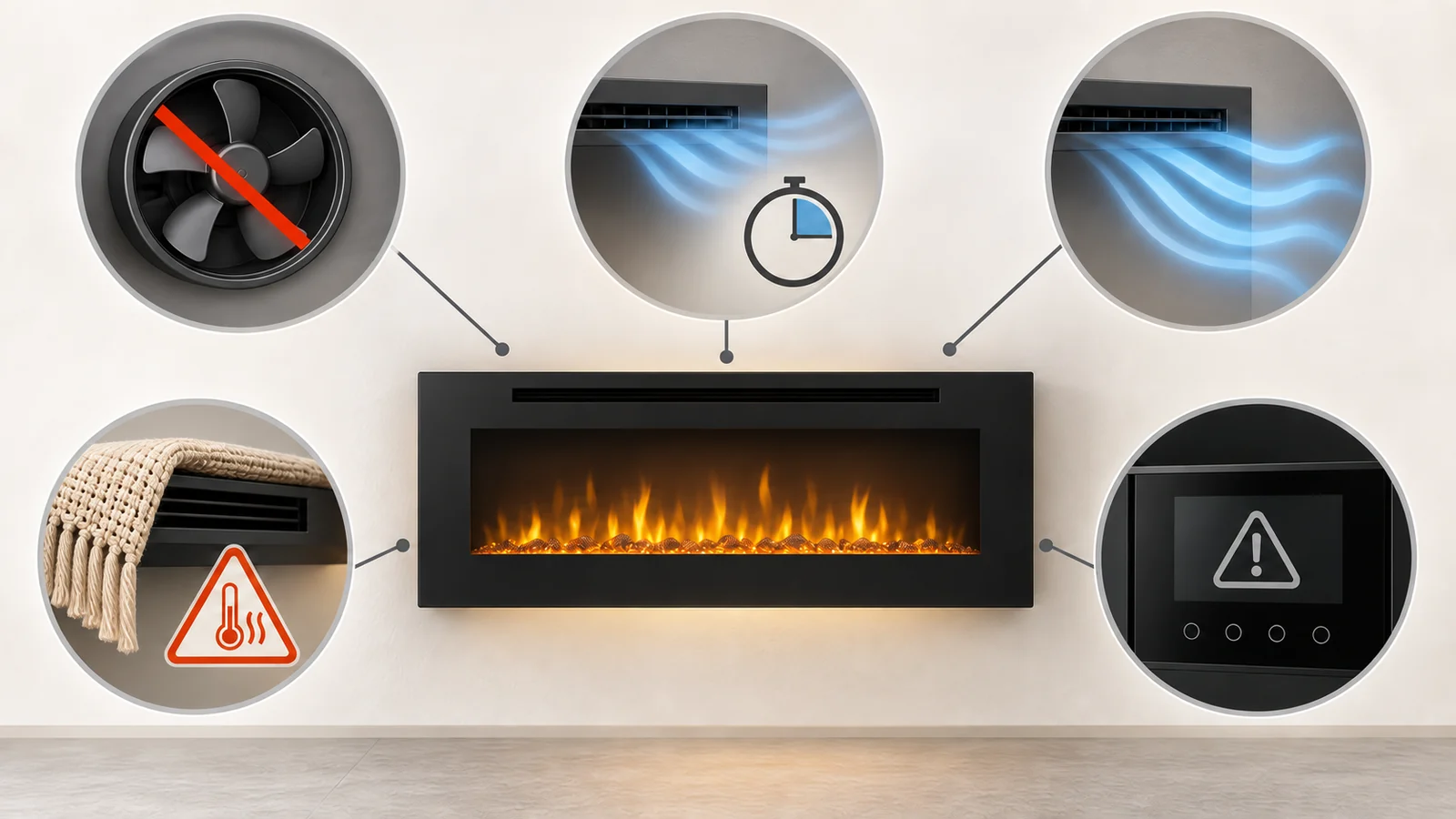
Three automatic changes can look identical from across the room: the heater stops, the flame disappears, or the whole display goes dark. Their causes lead to different decisions.
A timer expiry is expected at a known remaining time. A thermostat cycle is expected around a temperature condition and may affect only heat. A protective shutdown responds to an abnormal condition or protection threshold and should not be relabeled as successful timing. If the fireplace stops unexpectedly or repeatedly, leave the shopping feature comparison and use the recurring-shutdown diagnostic and the exact manufacturer support path.
The Dimplex manual makes the separation visible: its timer section describes a planned elapsed-time shutdown, while a different section describes the temperature cutoff and reset behavior. Touchstone product pages likewise list a timer and automatic safety shutoff as separate features. The words may share a product-card bullet list, but they do not share a trigger or troubleshooting route.
A timer also does not grant blanket permission to run a heater while sleeping. The US Consumer Product Safety Commission’s January 2026 guidance tells users to turn portable heaters off while sleeping. Apply that direction when the appliance is a portable heater in the stated scope, and always follow the exact fireplace manual. Do not treat the presence of a timer as an exception.
When the countdown ends normally and a fan continues briefly, check the exact manual before assuming the timer failed. Some fireplaces use a documented cooldown after heat is turned off. The model-bound shutdown guide distinguishes heat off, visuals off, standby, cooldown and full disconnection.
A weekly schedule is also an app-ownership decision
The Orion example shows why a schedule cannot be reduced to a yes/no feature. Its weekly program can assign different states, and manual settings can override the program. That is genuinely more capable than a countdown—but only for someone willing to own the control path.
Before paying for scheduling, identify the official app, supported device requirements, account and network conditions, and the non-app fallback for the functions you consider essential. Then ask one question that many product pages leave unanswered: what happens to the saved schedule after power or connectivity is interrupted? If the current manual does not say, record POWER_LOSS_BEHAVIOR_UNKNOWN. A confident guess is not a product feature.
The broader smart electric fireplace guide covers app, voice and local-control fallback. Here the narrower rule is enough: a weekly schedule passes only when the exact model exposes the states you need, the household accepts the app dependency, and the manual or manufacturer closes any persistence question that matters to the routine.
Do not add an external plug timer or smart plug simply because the fireplace lacks the desired function. That changes the power and control path. Use only arrangements expressly allowed by the exact model’s instructions and the responsible electrical owner.
Buy only when the timer sentence has no blank
Reduce the feature to one line before it earns a place in the shortlist:
For Dimplex Ignite Evolve 50, 60, 74 and 100 models under owner manual R06, the timer is set in half-hour intervals from 0.5 to eight hours and turns off the fireplace at expiry. The inspected manual does not explicitly bind its general setting-retention statement to an active countdown, so timer-specific behavior after a power interruption remains UNKNOWN. Apply that same model-and-revision discipline to every candidate instead of filling an evidence gap from a sibling product.
That sentence can produce several honest outcomes. A fully sourced countdown earns COUNTDOWN_WHOLE_FIREPLACE_DOCUMENTED. A sourced repeating program earns WEEKLY_SCHEDULE_DOCUMENTED. A product page that supplies only a timer badge earns TIMER_LABEL_INCOMPLETE. A missing current manual earns MANUAL_REQUIRED. An unanswered interruption question stays POWER_LOSS_BEHAVIOR_UNKNOWN if it matters to the intended routine.
The timer is not “good” because its maximum number is larger. It is good when its trigger, control and ending state match the moment you need it to handle—and every decisive word in that sentence belongs to the same exact fireplace.