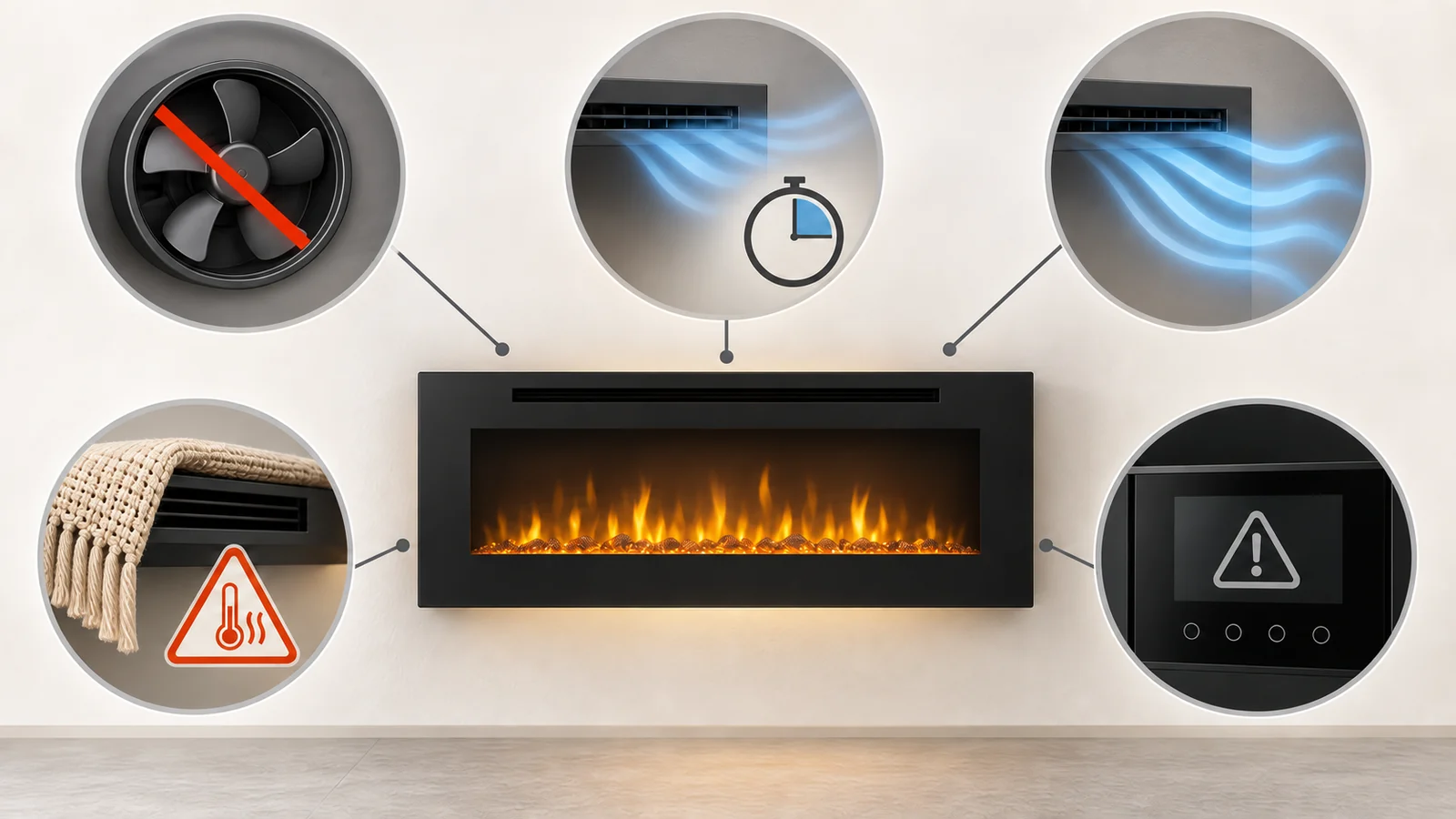
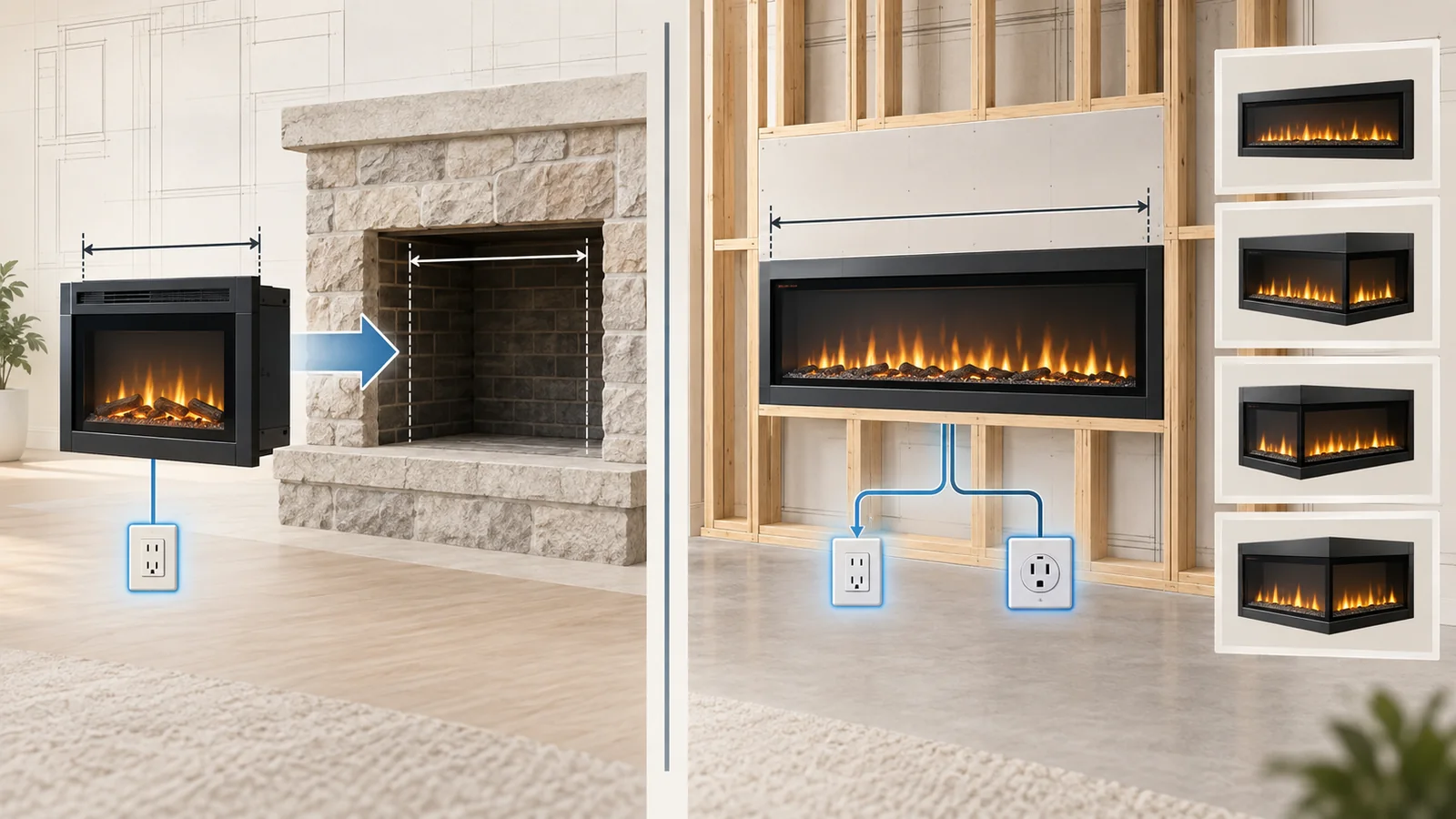
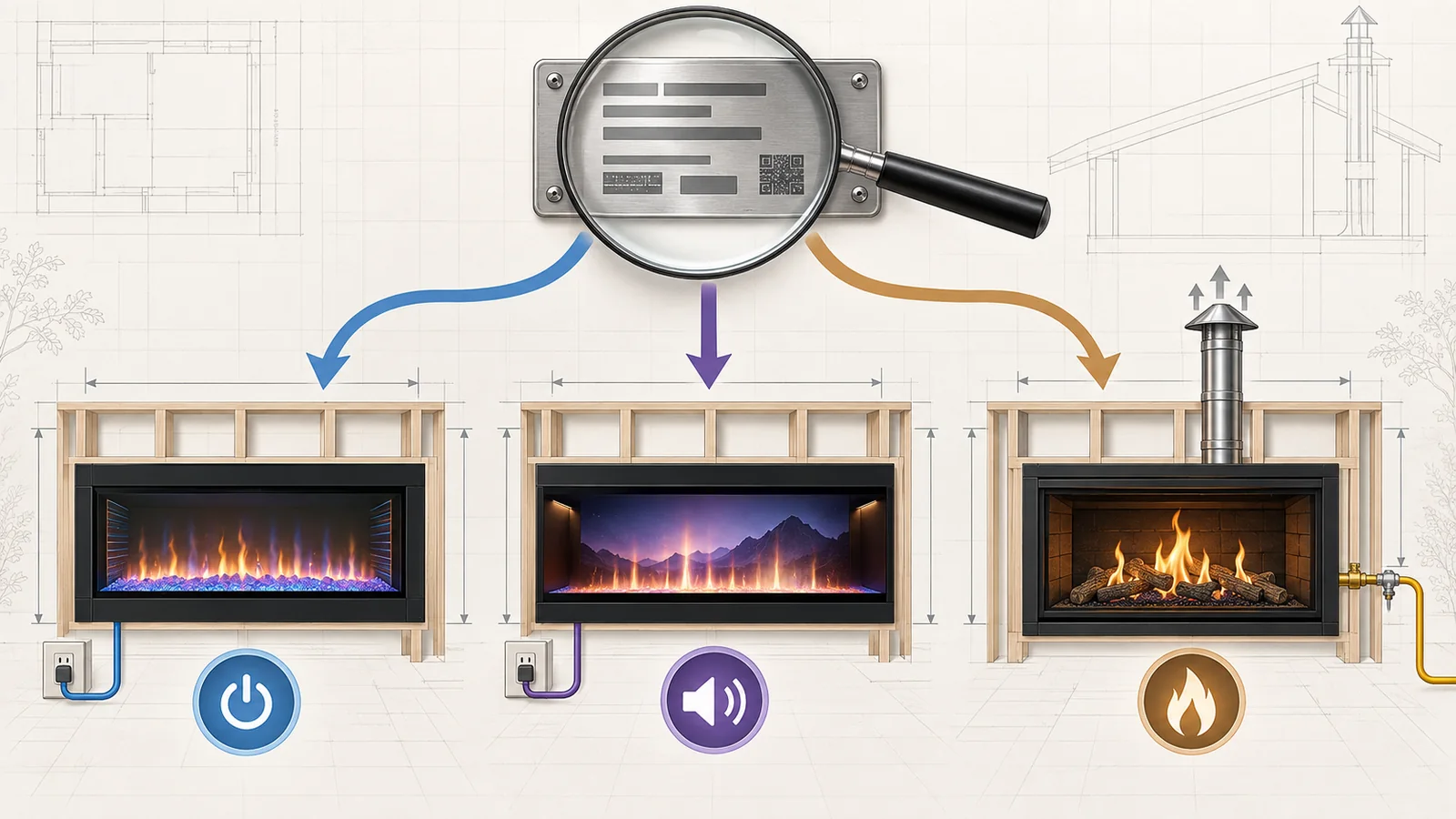
There is no universal electric-fireplace reset. Disconnecting power may recover a temperature cutoff on one model, enter a setup flow on another, erase a saved preference on a third, or do nothing because the action you need is remote pairing rather than a reset.
Before changing power or pressing a combination, copy the full model from the appliance label, photograph the current display, and open the current official manual for that exact model and market. Find the manual’s name for the function: temperature-cutoff reset, power cycle, Wi-Fi reset, factory reset, computer restart, or remote pairing. Follow only that document.
If the event includes smoke, a burning smell that is not a documented first-use odor, water exposure, visible cord or plug damage, or a hot or discolored connection, leave the fireplace off. That is a safety stop, not a reset experiment; use the electric-fireplace safety guide to preserve the right details for the next owner.
Reset describes the result, not a universal button
The word “reset” hides three separate questions: what event triggered the action, what state the action changes, and who has authority to specify it. A power interruption is only an input. It does not tell you whether the target is a heat-protection device, saved settings, a network connection, or the appliance computer.
| Documented function | Event it addresses | Document-controlled input | State that may change | Correct result |
|---|---|---|---|---|
| Temperature-cutoff reset | The exact manual says the heater overheated or its cutoff opened | The model’s documented OFF, plug or breaker sequence and cooldown | Heat availability; settings may or may not be retained | Use only the named model procedure once; a repeat event goes to support |
| Documented power cycle | The manufacturer’s support owner admits a power interruption for the observed state | Plug or breaker, depending on the exact connection and document | Electronics and possibly saved preferences | Record the state first, then use the exact-model instruction |
| Wi-Fi setup reset | The exact smart-fireplace document says network setup must restart | The exact onboard or app flow | Network association and active operating state | Expect setup work; do not call it a heater reset |
| Factory settings reset | The exact document names restoration of factory settings | A model-specific menu or control input | Customized settings and sometimes app enrollment | Use only when restoring defaults is the intended outcome |
| Computer restart | A display-based model’s service document names a computer restart | Exact model-specific input | Appliance computer session; not necessarily all saved settings | Do not substitute it for factory or heat reset |
| Remote pairing | The remote is not paired and the manual provides a pairing guide | Exact appliance and remote input | Remote-to-appliance relationship | Pairing is not a generic fireplace reset |
The distinction is not theoretical. The SimpliFire Inception service manual gives separate entries for Wi-Fi reset, factory settings reset, computer restart and remote pairing. It also describes different outcomes: Wi-Fi reset enters setup and turns off several active functions; factory reset returns the appliance to a welcome flow and resets settings; computer restart restarts its computer; remote pairing opens a different guide. Those facts belong only to the SF-INC36 document, so its button combinations are not a recipe for another fireplace.
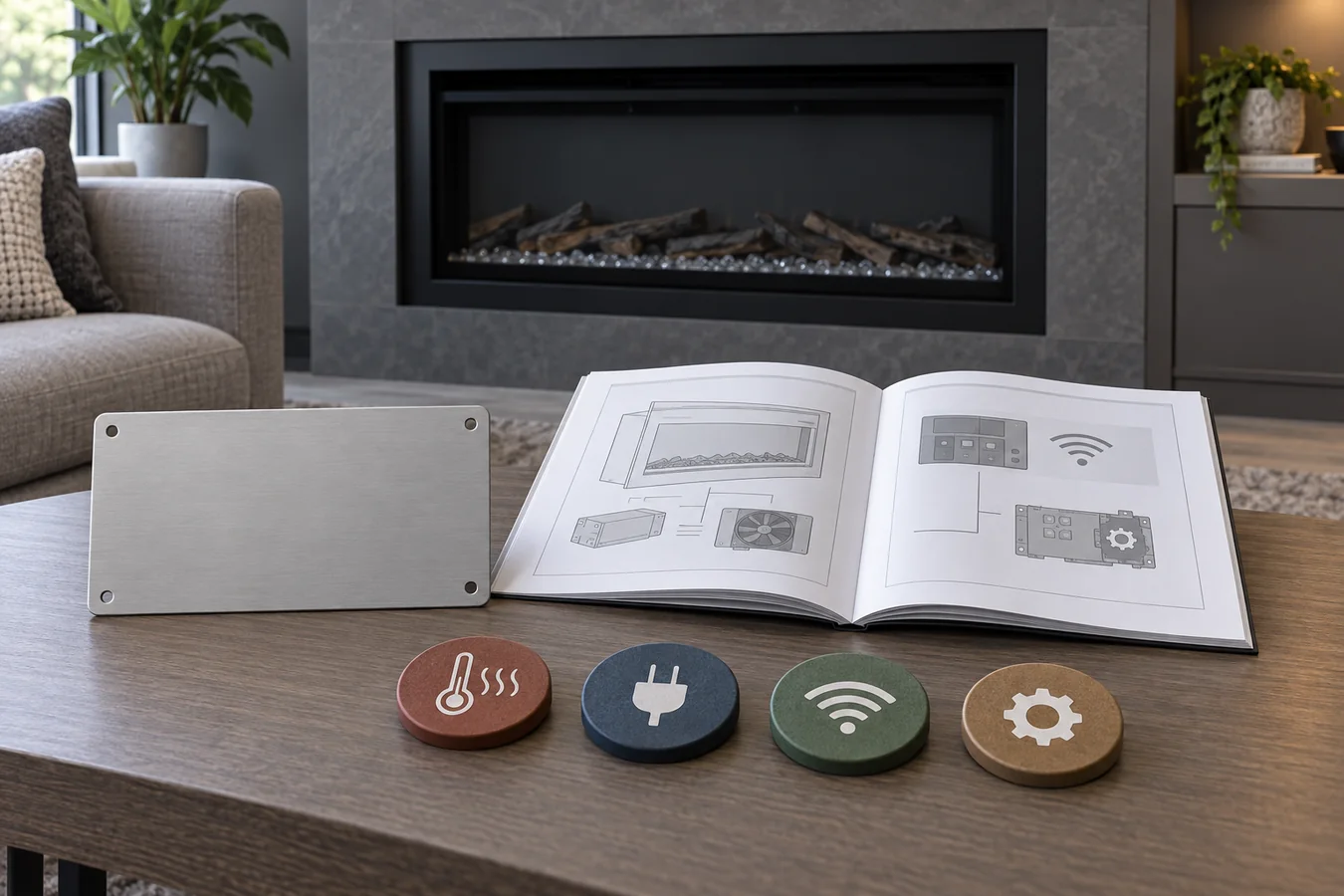
Save the evidence before you change the state
A reset can remove the clues that explain why the fireplace stopped. Preserve them while they are still visible.
Start with the appliance identity. Copy the brand, full model or SKU, every suffix, the country of purchase, and the serial or date code if present. Record whether the unit is plugged in or hardwired without opening a panel. If the label is inaccessible, the electric fireplace specifications guide shows which product and electrical fields are useful, but it does not turn a cabinet name or width into a model number.
Then capture the event as a before-state:
- the exact characters, icon or message on the display;
- whether the flame effect, heater, fan, local controls, remote and app still respond;
- what the fireplace was doing immediately before the event;
- the thermostat setpoint, timer, flame or ember settings, and network status that matter to you;
- whether the breaker, GFCI, wall switch or another appliance changed at the same time; and
- the official manual title, revision and page that names the proposed reset.
Use the current manufacturer owner, not a near-name PDF. The electric fireplace manual guide explains how to match model, market, generation and document purpose. A service manual can prove that several reset functions exist, but it does not automatically authorize an owner to use a service-only combination.
The final line of the record should be plain: “I am using [named reset] because [exact document] assigns it to [observed event], and I expect [specific state change].” If any bracket remains unknown, the action is not closed.
Cooldown instructions are model contracts
Reliable first-party documents disagree on cooldown time because they describe specific products, not an industry-wide timer.
Dimplex’s current US FAQ gives a five-minute unplug-and-reconnect answer and says a hardwired unit uses the breaker instead. The exact Dimplex Revillusion owner manual puts that five-minute interruption under “Reset Temperature Cutoff Switch.” It distinguishes plug-in from hardwired installation and tells the owner to contact technical support if the heater continually needs resetting.
The current SimpliFire Allusion Slim Rev D manual assigns a different contract to SF-ALLS40, 50, 60 and 72: turn the appliance off, remove power at the breaker, let it cool for 15 minutes, restore power, then start it normally. It sends continuous-reset cases to the dealer for service.
The current Touchstone Sideline owner manual rev.251114 returns to a five-minute wait for the listed Sideline models, but it also includes an OFF state, visible vent inspection and escalation if the problem continues. The same manual says there are no user-serviceable parts behind its panels.
Five minutes and 15 minutes are not estimates to average. Each value lives inside a named manual, connection method, event and model list. If your document specifies another duration or sequence, that exact instruction wins. If your manual never calls the event a temperature-cutoff reset, these examples do not create one.
Power interruption can change more than power
Before unplugging a fireplace because it is the easiest available action, check what the exact manual says about retained settings.
The Allusion Slim manual says that series is designed to return to the same settings and operating modes after a power disruption. The Touchstone Sideline manual, by contrast, says unplugging resets its remembered ember color to the default. Neither statement can be extended beyond the models printed in the document.
A factory reset has a larger and more deliberate scope. In the Inception service document, a factory-reset appliance must be removed from the IntelliFire app and taken through network setup again. That downstream work is evidence that “reset everything” is not a harmless troubleshooting shortcut.
Remote trouble has the same naming problem. Replacing batteries or following a model’s pairing guide may restore control without resetting the heater, network or saved fireplace settings. If the remote identity or compatibility is uncertain, move that question to the electric fireplace remote guide instead of trying borrowed reset codes.
Let the result choose the next owner
If the exact documented action restores the intended function and the triggering event does not recur, save the record with the manual revision and date. It will tell you what changed if the same symptom returns.
If the heater or whole appliance shuts down again, do not create a routine of cycling power. The electric fireplace shutdown guide separates expected thermostat or timer behavior from a protective cutoff, airflow condition and supply-circuit event. Its job begins with the repeating symptom; this page’s job ends when recurrence is known.
If a code remains or reappears, preserve it exactly. In particular, E3 is not a shared industry definition; the electric fireplace E3 guide routes that display by model and context before any reset. If the entire unit remains dark, return to the exact normal power and control path rather than guessing an internal failure.
When the official document supplies no matching reset, the procedure fails, or the action belongs to service personnel, send the manufacturer a closed record:
I have [brand and full model], sold in [country], serial/date code [value]. The unit is [plugged in or hardwired]. Before changing anything, the display showed [exact state], while [flame/heater/fan/controls/remote/app states]. Manual [title, number and revision] names [reset function] for [event] and says it changes [state]. I followed that owner-authorized instruction once on [date/time]. The result was [exact result], and the event [did/did not] recur. Please identify the next owner-authorized action or service route.
If support identifies a fault, part, recall, warranty path or replacement decision, the electric fireplace repair guide takes over. The useful endpoint is not “I tried every reset.” It is one exact model, one documented function, one known state change and one accountable next owner.