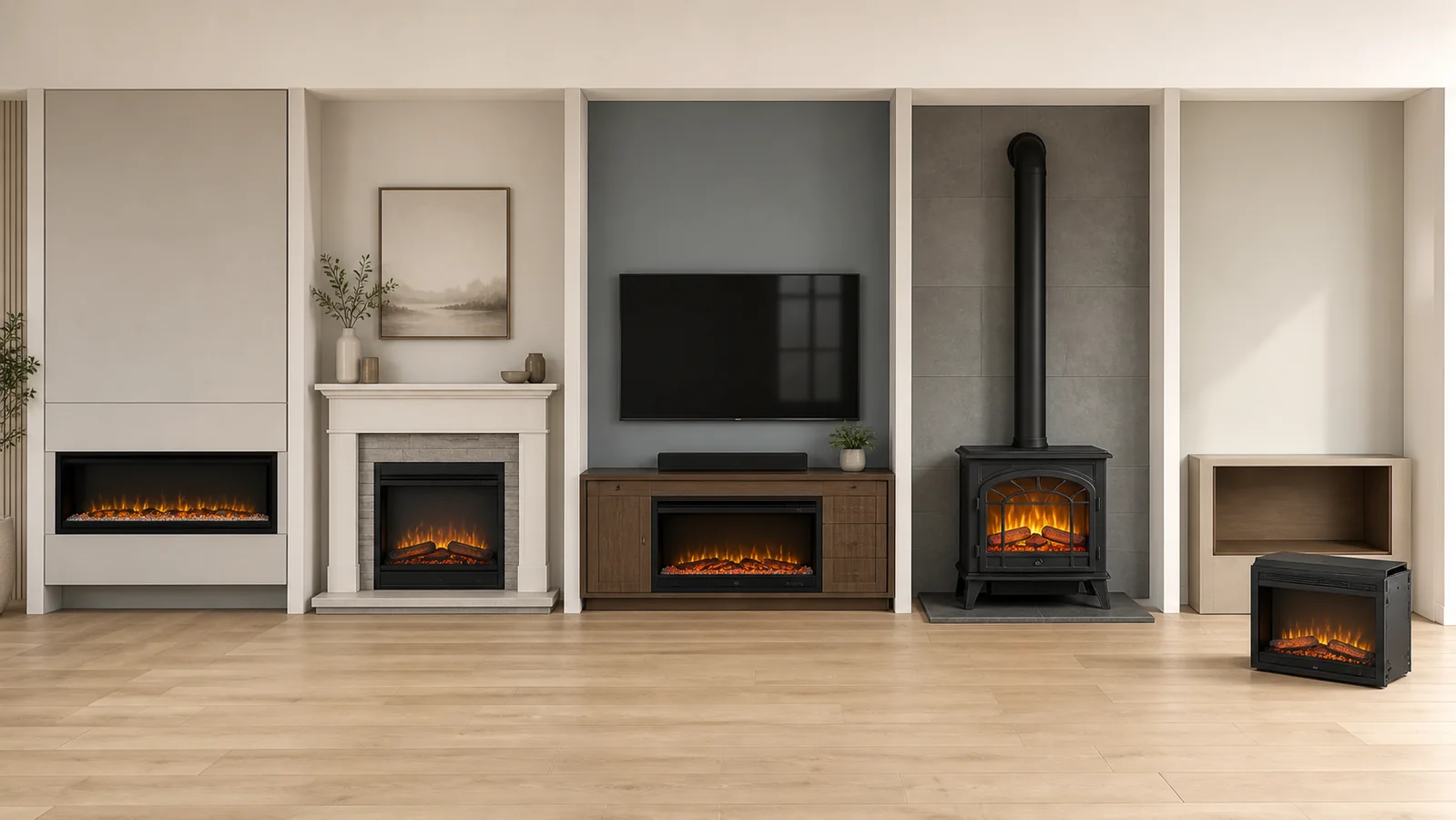
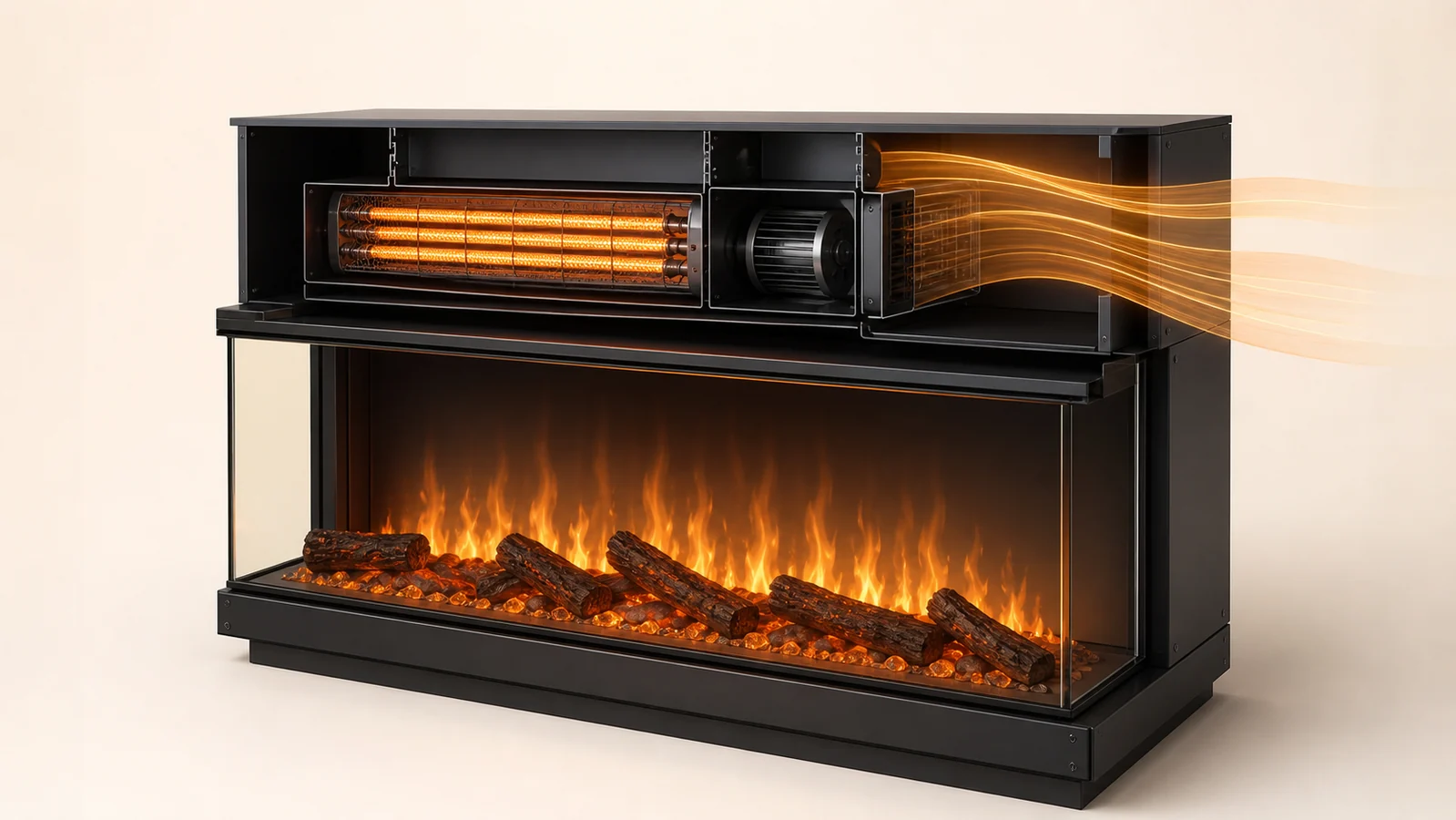
If you are looking for a pilot knob or an ignition button, pause. An electric fireplace does not need a flame to be lit. It needs a documented path from electrical supply to appliance controls, and then a separate choice about the visual flame and heater.
That distinction matters because several states can all look like “off.” The appliance may have no supply, it may have supply but be in standby, its touchscreen may be asleep, or its flame and heat functions may simply be deselected. Pressing a copied sequence from another model can move the wrong state—or do nothing at all.
Begin with the exact brand and model number and the current owner manual. If those are missing, use the electric fireplace manual guide before trying a generic start sequence. The goal is not to press more buttons. It is to identify the next button that the controlling document actually owns.
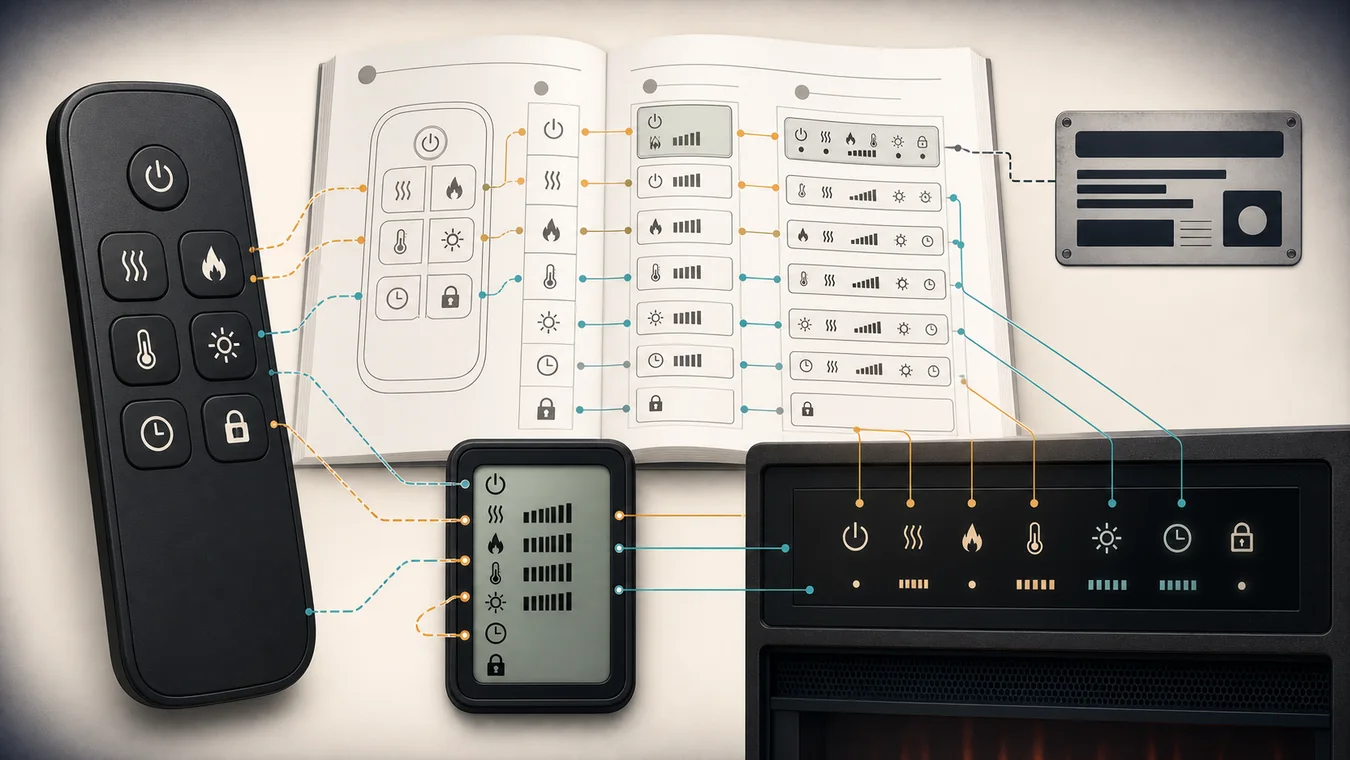
A power symbol does not tell you what comes before it
The familiar circle-and-line symbol usually marks a power or standby control, but it does not prove that the appliance has supply. It also does not reveal whether an installed wall switch, a concealed master switch or another documented control comes first.
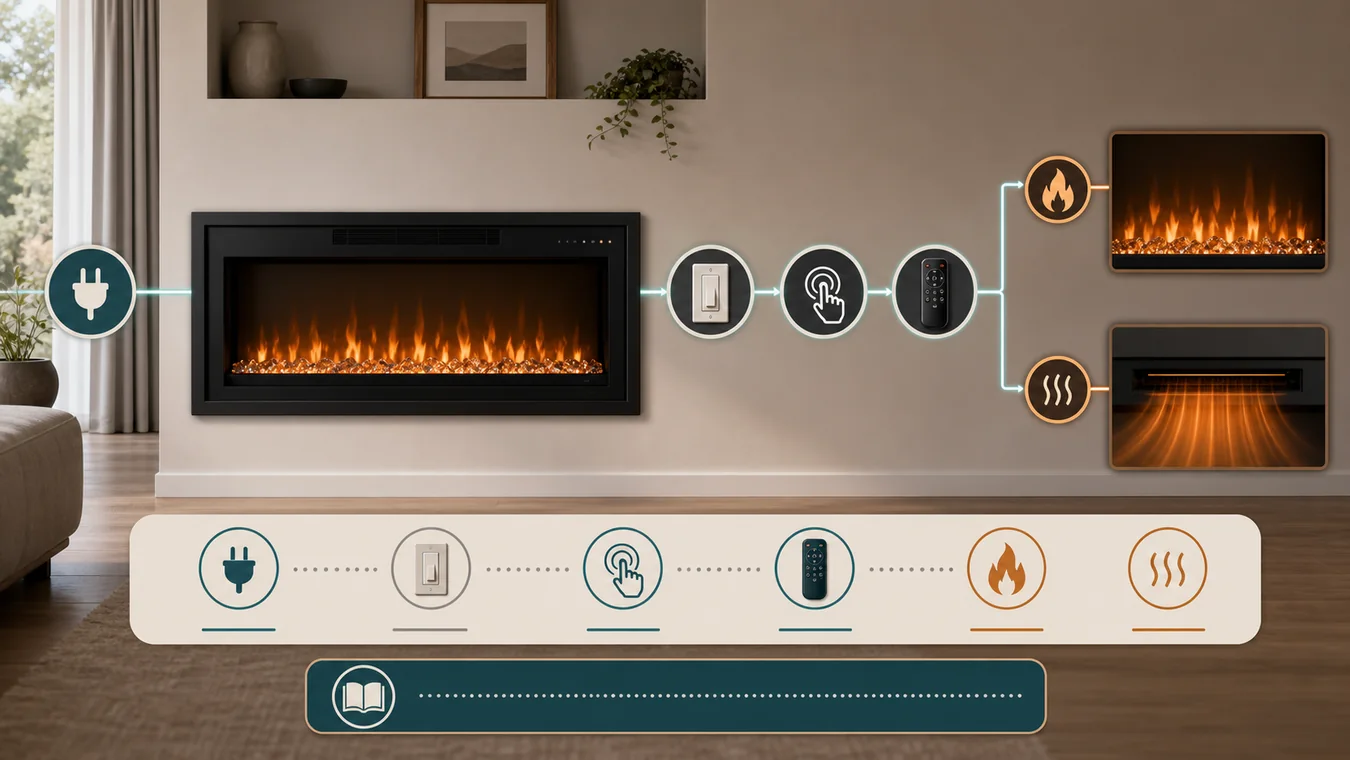
Treat the start path as a chain:
installed supply → master or isolation control, if the manual names one → local control panel → remote, app or wall command → flame state → heater state
Not every model uses every link. Do not add a master switch because a general guide says most fireplaces have one. Do not assume the remote is the first control because it arrived in the box. And do not use a visible wall switch as permission to inspect wiring.
This is where the exact product fields matter. The electric fireplace specifications guide explains why voltage, connection method and control names must stay attached to one model. If the installed supply route itself is unresolved, the plug-in versus hardwired guide owns that earlier decision. Normal operation starts only after the installed route is known.
The fireplace can be in four states that look like off
First separate these states on paper:
- No confirmed supply. The outlet, installed wall control or hardwired feed has not been established from the appliance record. This is not a button problem.
- Supplied but in standby. The appliance can retain settings while the visible flame and heater are off.
- Controls inactive. A dark touchscreen may be waiting to be awakened rather than reporting that the whole fireplace is off.
- One function off. The flame may operate without heat, or an exact model may allow heat while the flame display is off. A thermostat, timer or intentional heater-disable state can further change the response.
Three manuals, three different first moves
Exact manuals expose why “find the switch and press power” is too loose to be dependable.
| Exact appliance | Documented normal start behavior | What not to transfer |
|---|---|---|
| SimpliFire SF-INS30-BK | The manual Flame button turns the unit on. The Heater button becomes available only while a flame mode is active. Remote power also controls standby and preserves settings except the heater. | Do not assume every insert has a separate power button or that heat works with flame off. |
| Dimplex Revillusion RBF30 | A power/standby control activates the current or previous state. The front panel and remote expose separate flame and heat functions. | Do not copy its wall-switch or standby behavior to another firebox. |
| Dimplex Sierra SIL48M family | The touchscreen controls go inactive after ten seconds. A first touch can reactivate the interface; power then changes the fireplace state. Standby retains settings, while complete supply loss returns defaults. | Do not turn “press twice” into category-wide advice. |
The SimpliFire SF-INS30-BK manual is unusually clear: with the manual controls, the Flame button starts the appliance and the heater has no function while flame is off. That one model disproves a universal power-button-first sequence.
The Dimplex Revillusion RBF30 manual instead describes a power/standby state that can restore the previous flame and heat state. Its wall-switch provisions belong to the product and installed configuration; they are not a reason to experiment with a wall switch near an unidentified fireplace.
The Dimplex Sierra manual adds another distinction. The front-glass icons can go dark because the controls have timed out. A touch can wake those icons before a following press changes power. The interface can therefore look dead while the appliance is merely waiting for a control wake-up.
Let the first response choose the next documented state
After the manual’s first normal action, record what happens before pressing anything else.
A beep, display or lit control appears. The appliance has acknowledged a command. That does not yet prove that flame or heat is selected. Follow the next named function in the same manual.
The flame appears but no heat starts. This may be the intended state. The SF-INS30 uses separate heat commands after an active flame mode. Other models separate flame and heat in different ways. The broader heat-output guide explains why visible flame is not evidence of a particular heat setting or room result.
The heater control responds but warmth does not follow immediately. Do not invent a delay or reset time. Check the exact manual for the thermostat, setpoint, intentional heater-disable feature and any documented delay. For example, the Dimplex SWM3520 manual gives the local panel control over temperature and documents an intentional heater-disable state. That behavior is evidence for SWM3520, not for your unidentified unit.
Nothing responds. Normal-start guidance has ended. Repeating a power command, cycling an unresolved wall switch, substituting a remote or applying a generic reset does not close the missing state. Record the exact no-response event and move to manufacturer support.
Write a six-line start card for this appliance
A useful start card fits on one note. It should be specific enough that another person can operate the same appliance without reconstructing your guesses.
- Identity: brand, complete model or SKU, market and owner-manual title/revision.
- Supply owner: plug and receptacle, installed wall control, documented hardwired supply, or unresolved. Record only what the product and installation record establish.
- First local action: control location, control name and the first response the manual says to expect.
- Remote or app role: whether it can wake the appliance, whether local controls still work, and which settings it cannot own. If the handheld control is missing or unresponsive, use the remote replacement guide rather than shopping by appearance.
- Flame and heat relationship: which function can run alone, which one must be active first, and whether thermostat, timer or heater-disable state changes the response.
- Stop statement: the exact absence—wrong manual, unresolved supply owner, no local response, unrecognized control state or recurring shutdown—that sends the case to support.
For app-controlled products, keep the software path separate from basic local operation. The smart electric fireplace guide owns app, account, voice-command and local-fallback compatibility. A phone app should not be assumed to replace an undocumented master or local control.
This card also prevents memory from becoming evidence. “It used to come on with the wall switch” is a useful observation, but it does not identify what that switch controls or which standby state the appliance retained.
A silent unit is no longer a normal-start task
Stop when the model or current manual is not identified; when the installed supply or wall-control owner cannot be established; when the appliance is damaged or the manual says not to operate it; or when the documented first control produces no response.
Also stop when a fireplace starts and then repeatedly turns itself off. That is a different event with different evidence. Record whether only heat stopped or the entire display and flame went dark, then use the electric fireplace shutdown guide rather than folding the symptom into a startup sequence.
Send manufacturer support a compact record: the full model and market, the manual and revision you used, the installed control path you can confirm, the exact controls pressed in order, every beep/display/flame/heat response, and the point at which the documented sequence stopped matching the appliance. That record is more actionable than “it will not turn on,” and it keeps normal operation from drifting into electrical diagnosis or an improvised repair.